319,910
Private aviation,
run in one place.
Requests, operator offers, client quotes, crew and invoices, for brokers, Part 135 operators and flight departments.
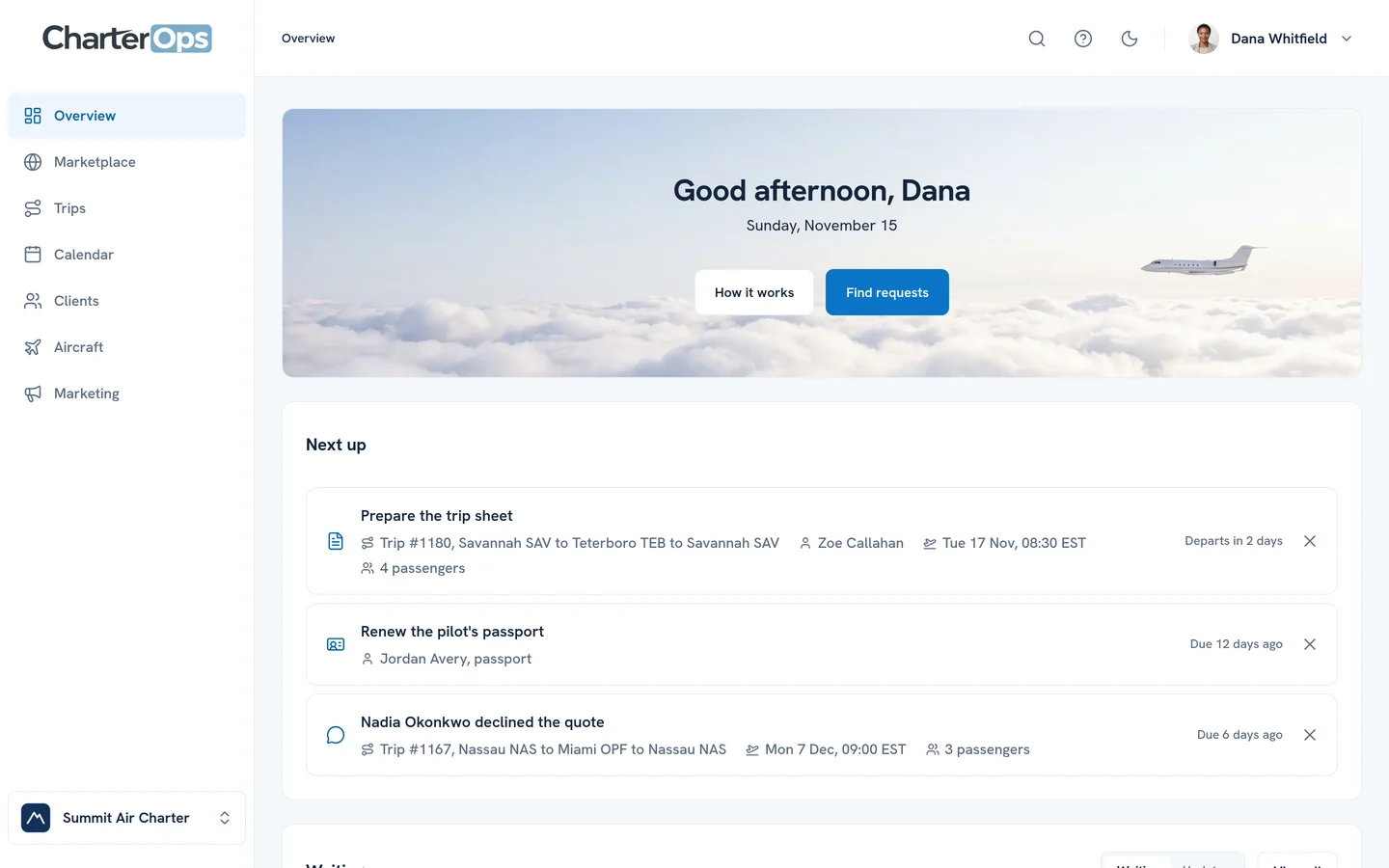
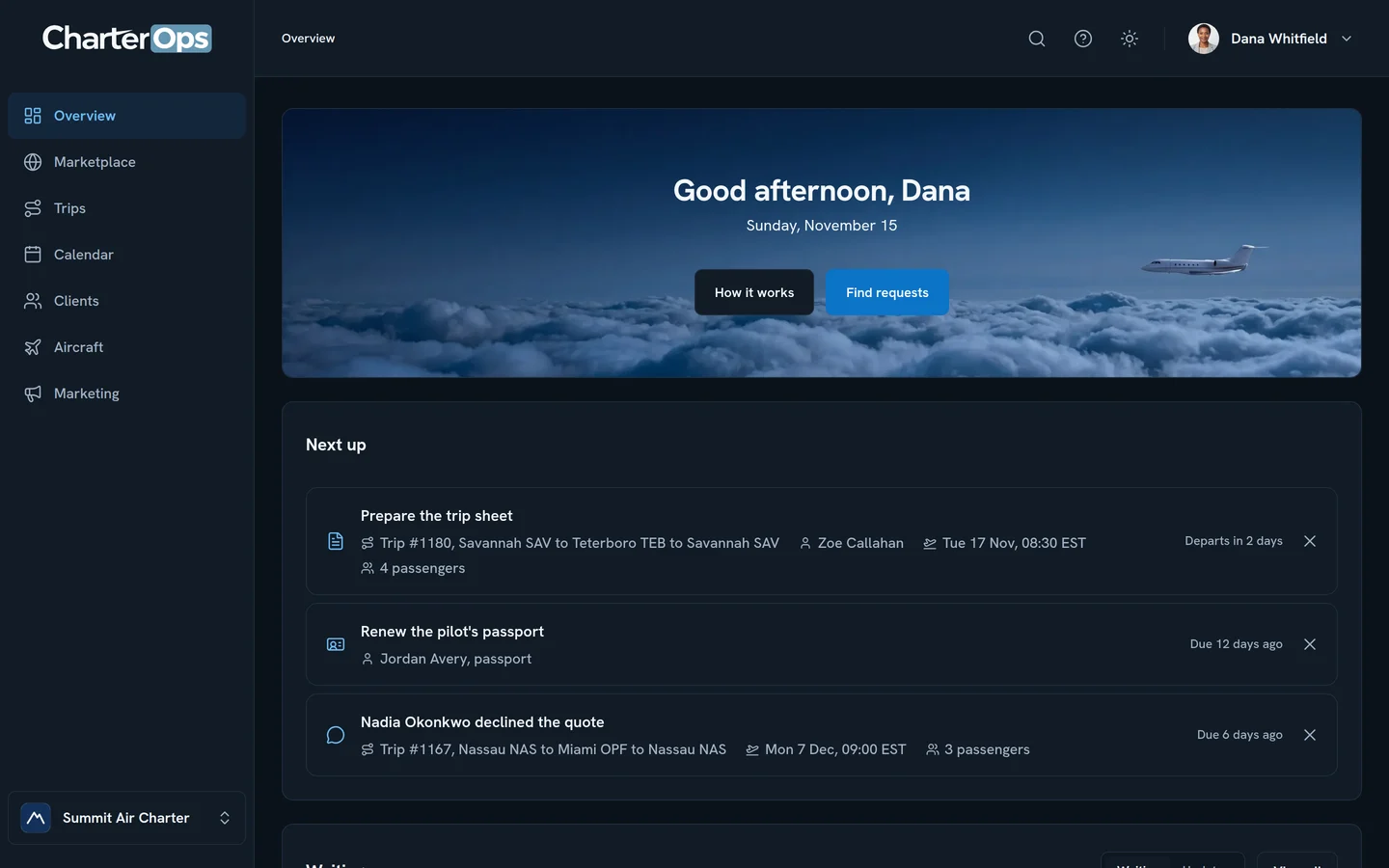
How the trip comes together.
From the first request to the paid invoice, every step in one place.
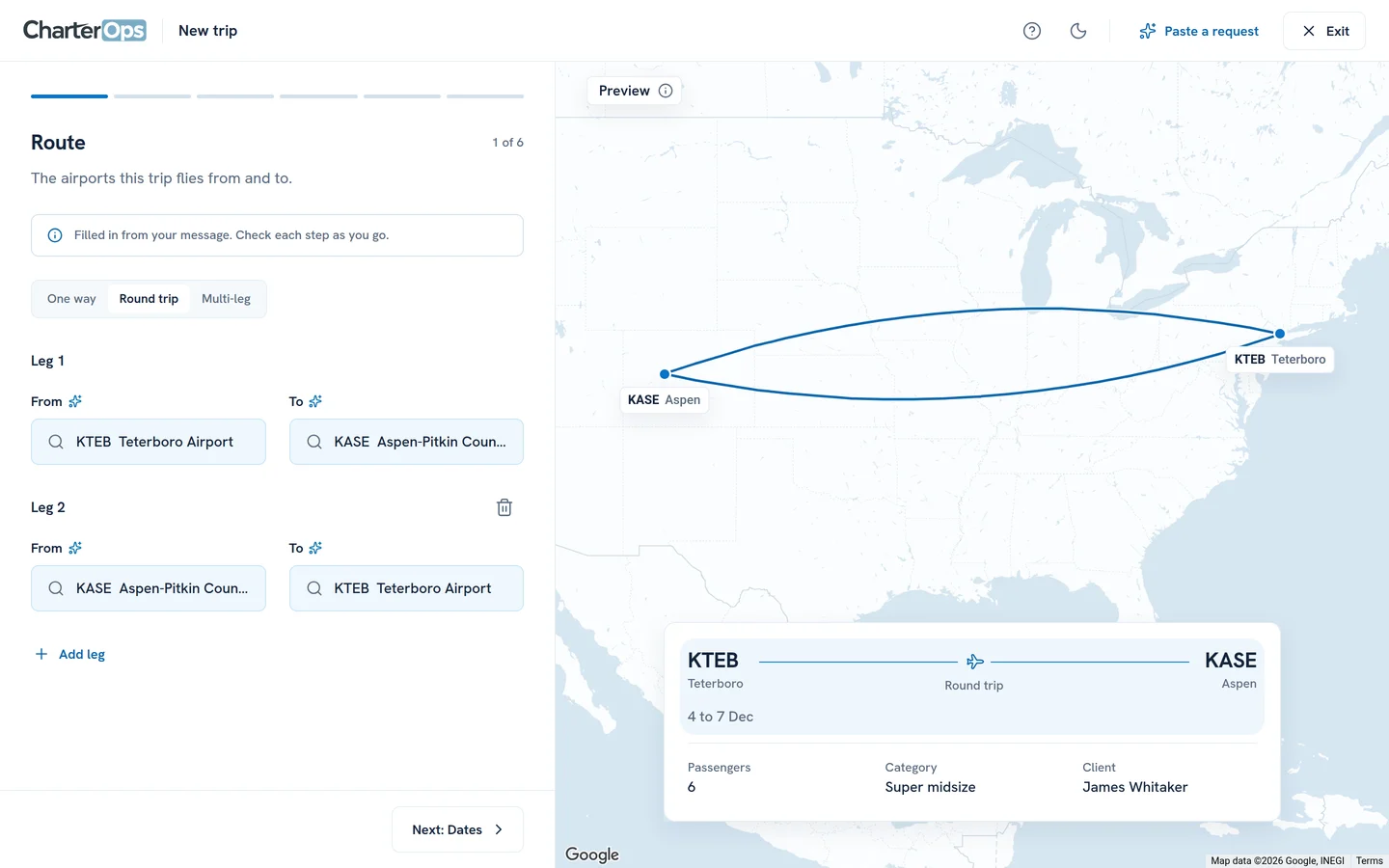
Your client asks for a trip
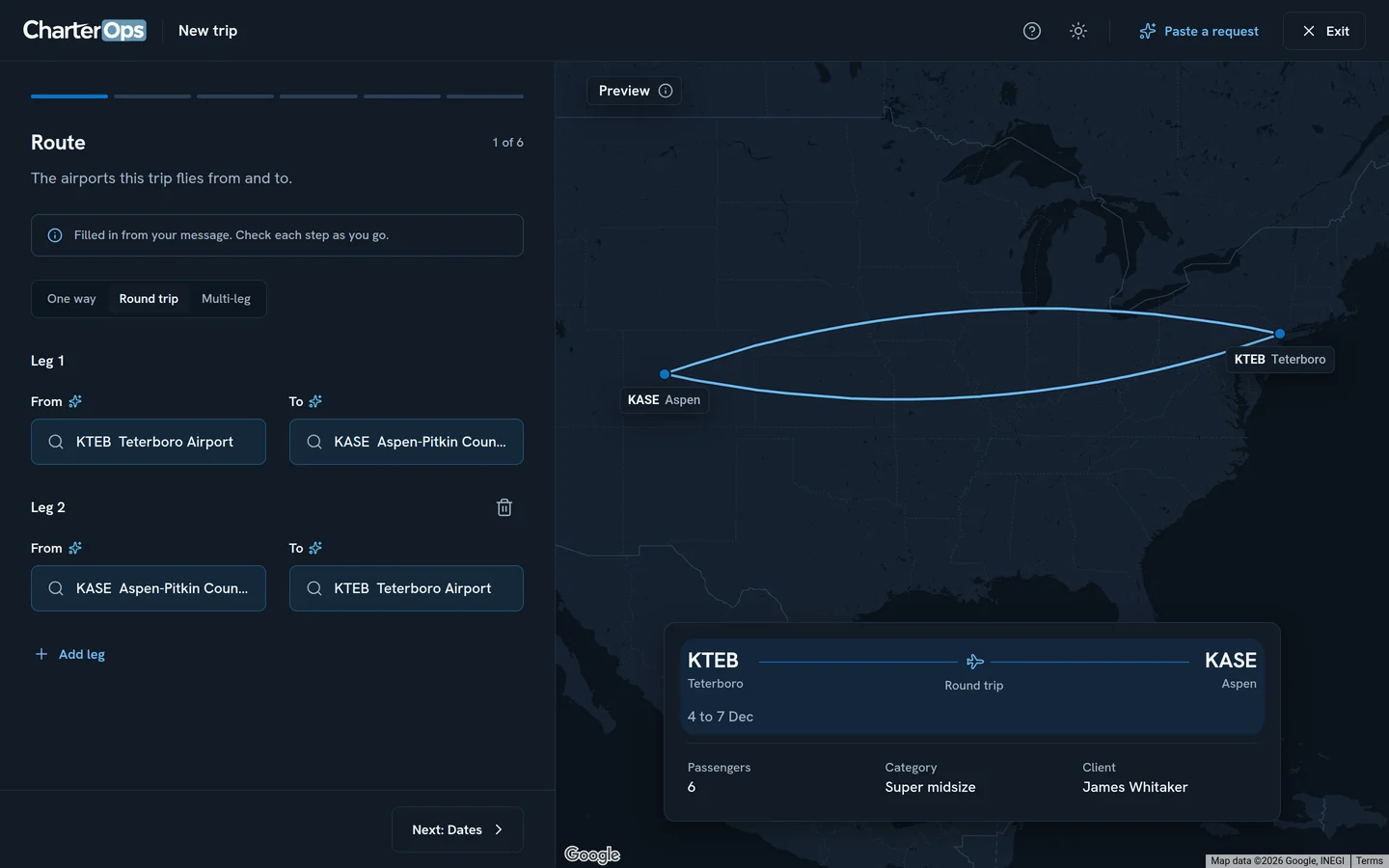
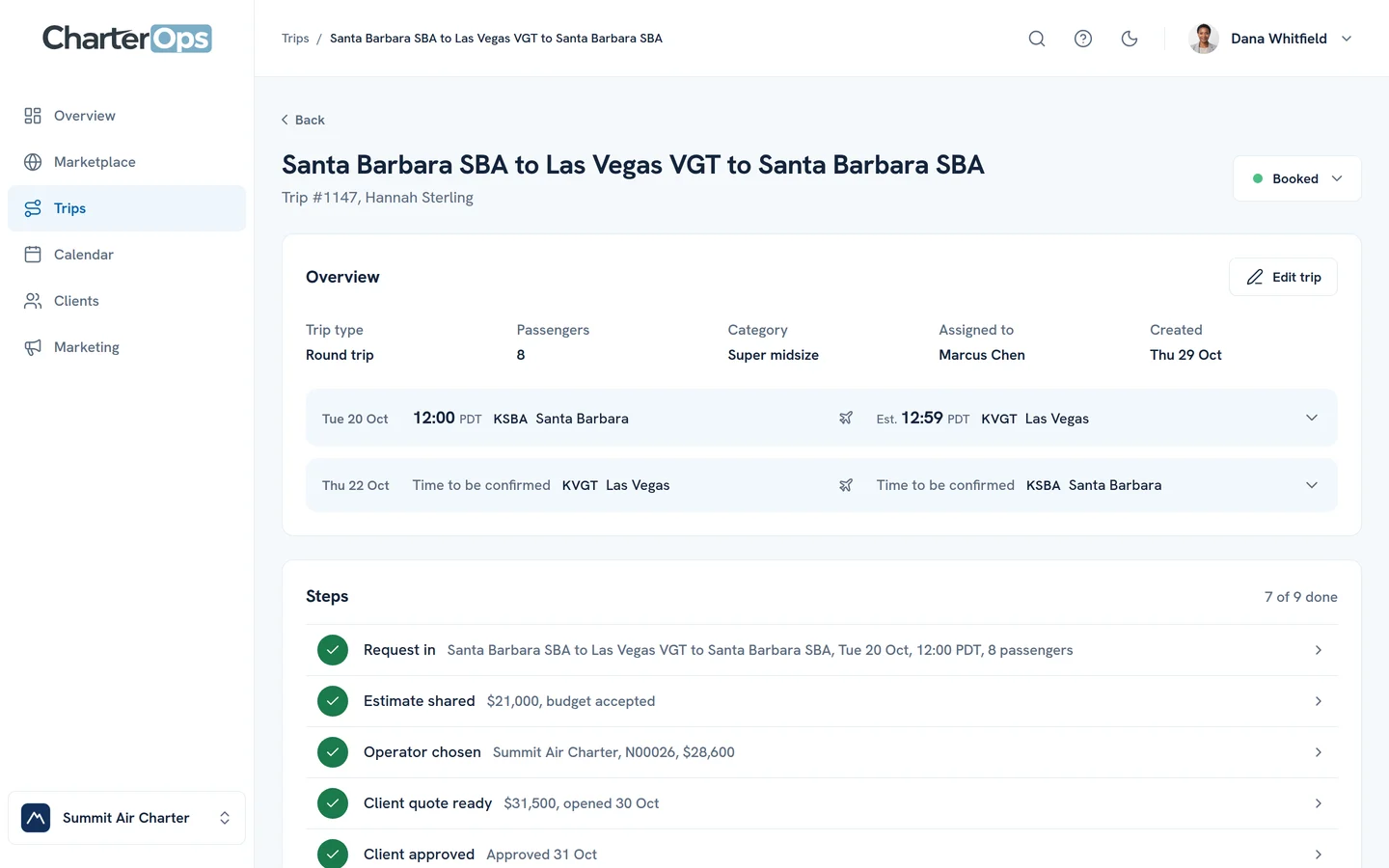
By email, by phone or from their portal. The route, dates and passengers go in once, and the route is drawn while you check it.
Operators send their offers
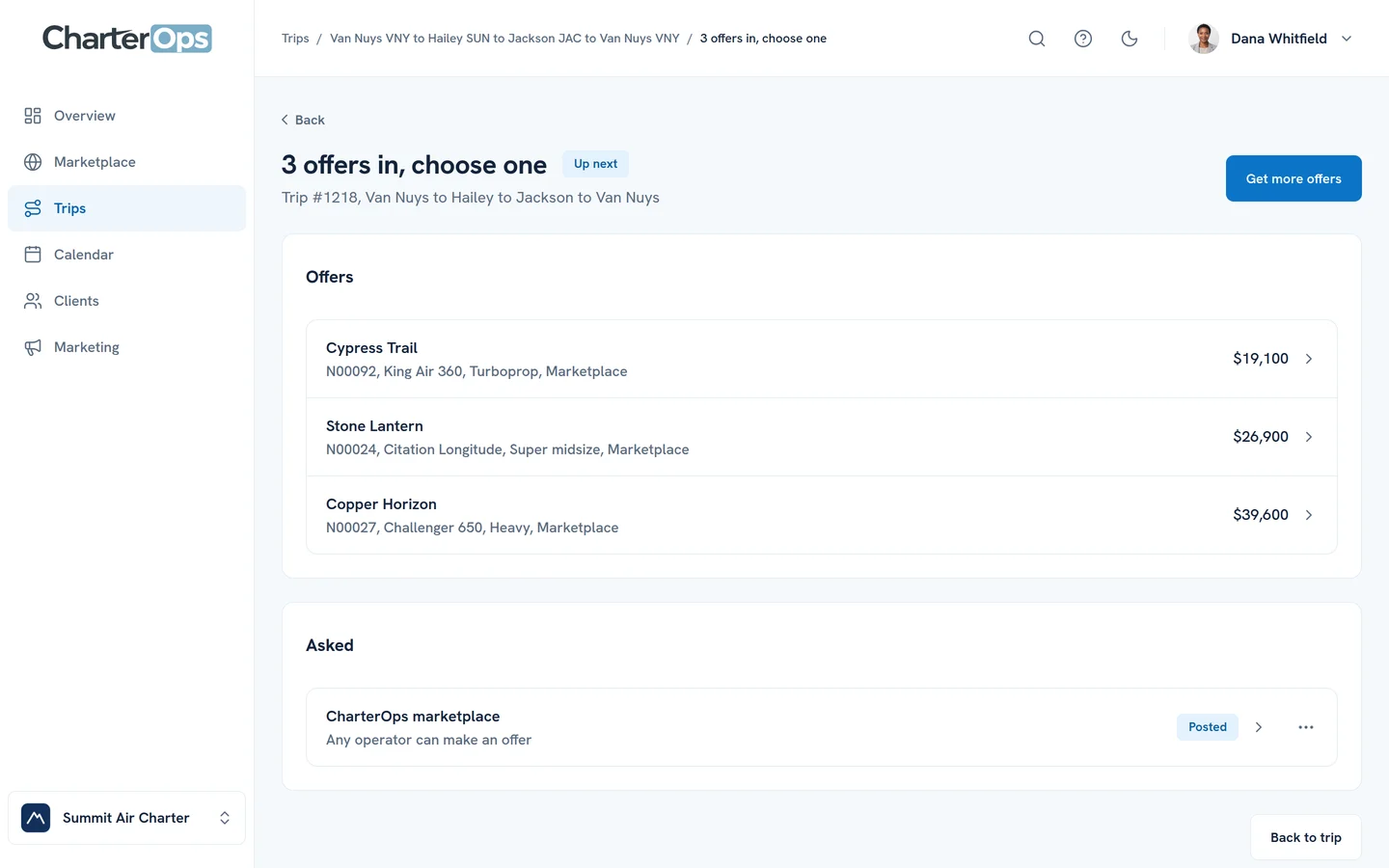
Ask the operators you work with or post the trip to the Marketplace. Their offers land on the trip side by side: the operator, the aircraft and the price.
Your client accepts online
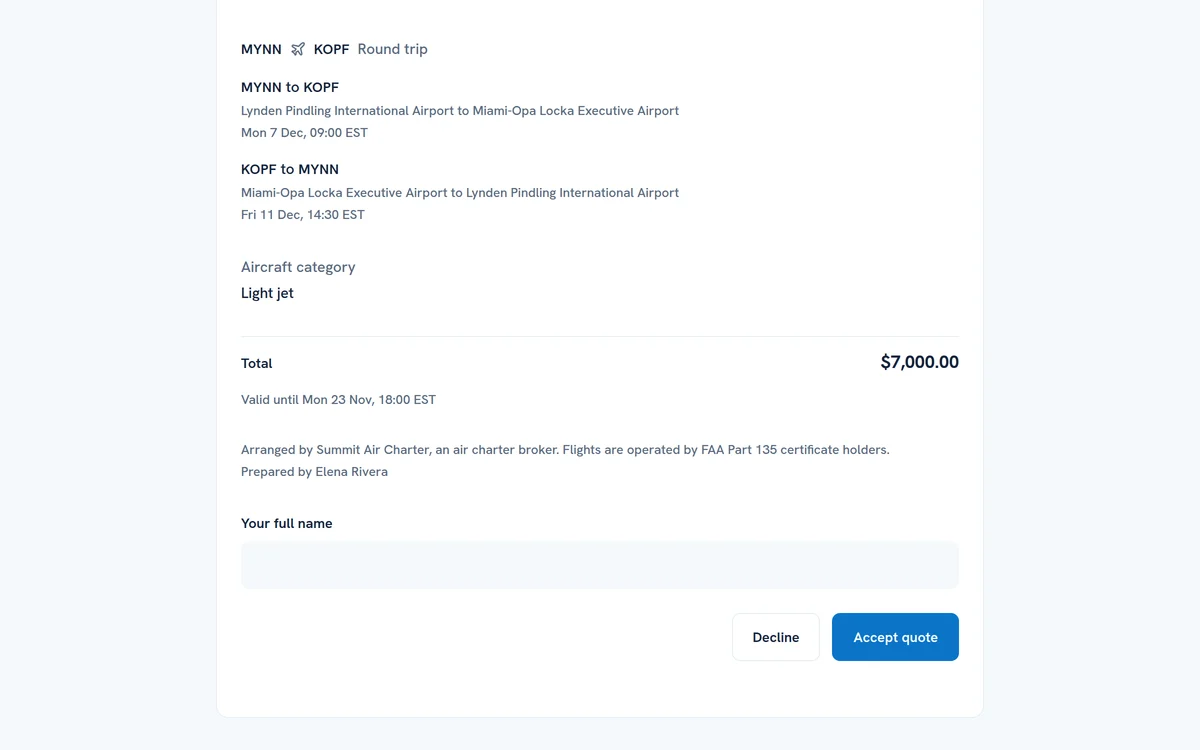
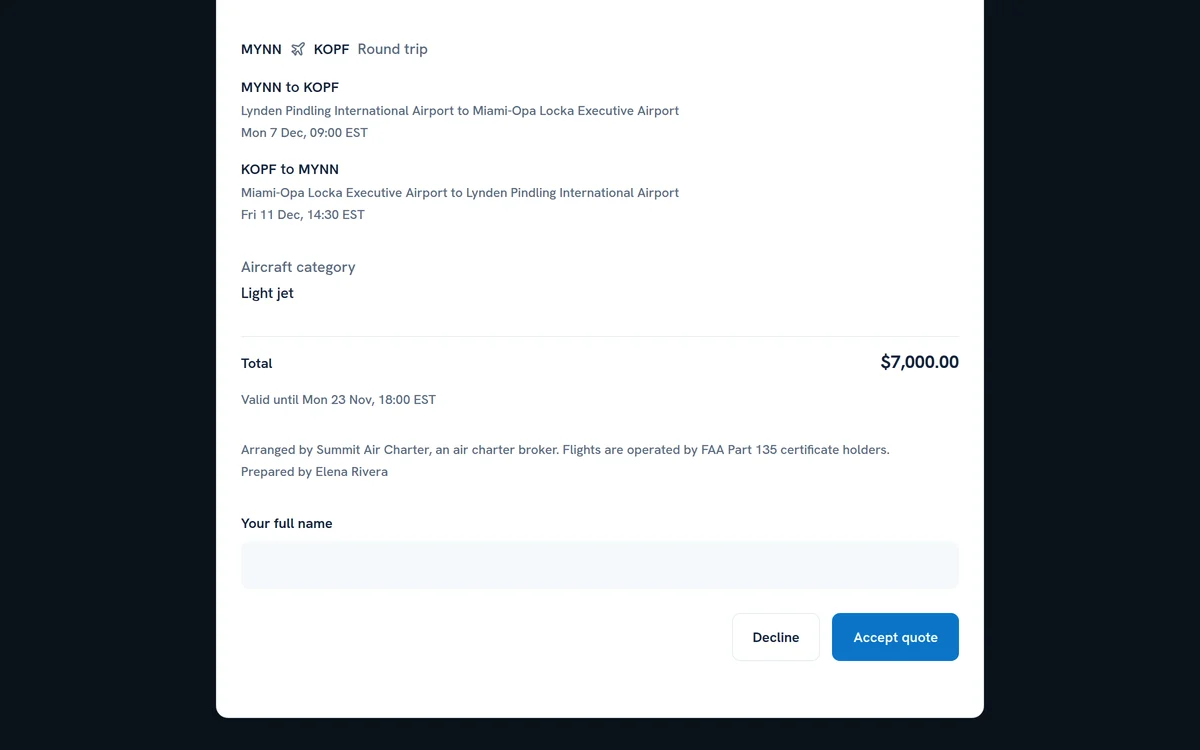
They open the quote under your logo, with your price and never your cost, and accept it with their name.
Send the itinerary
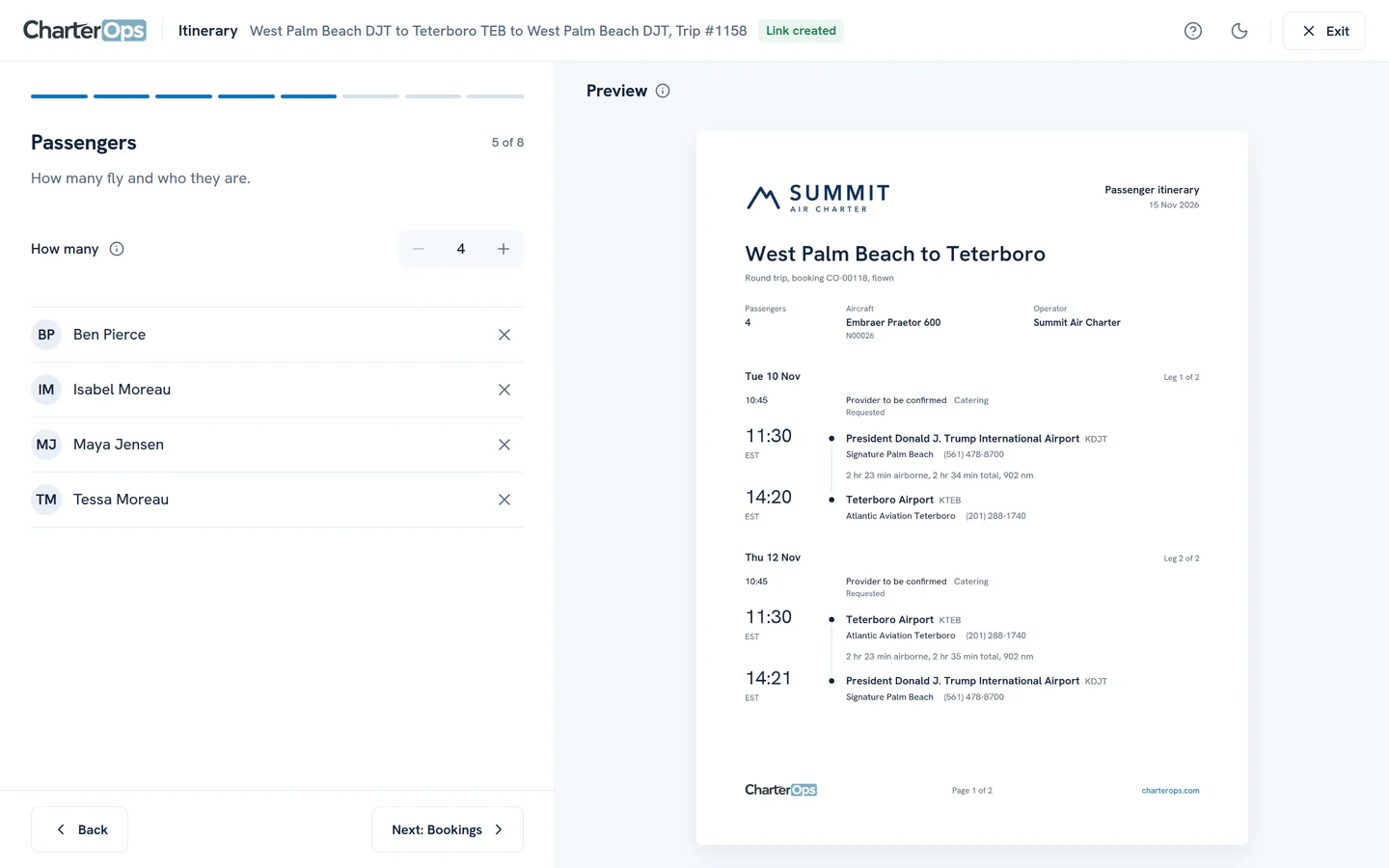
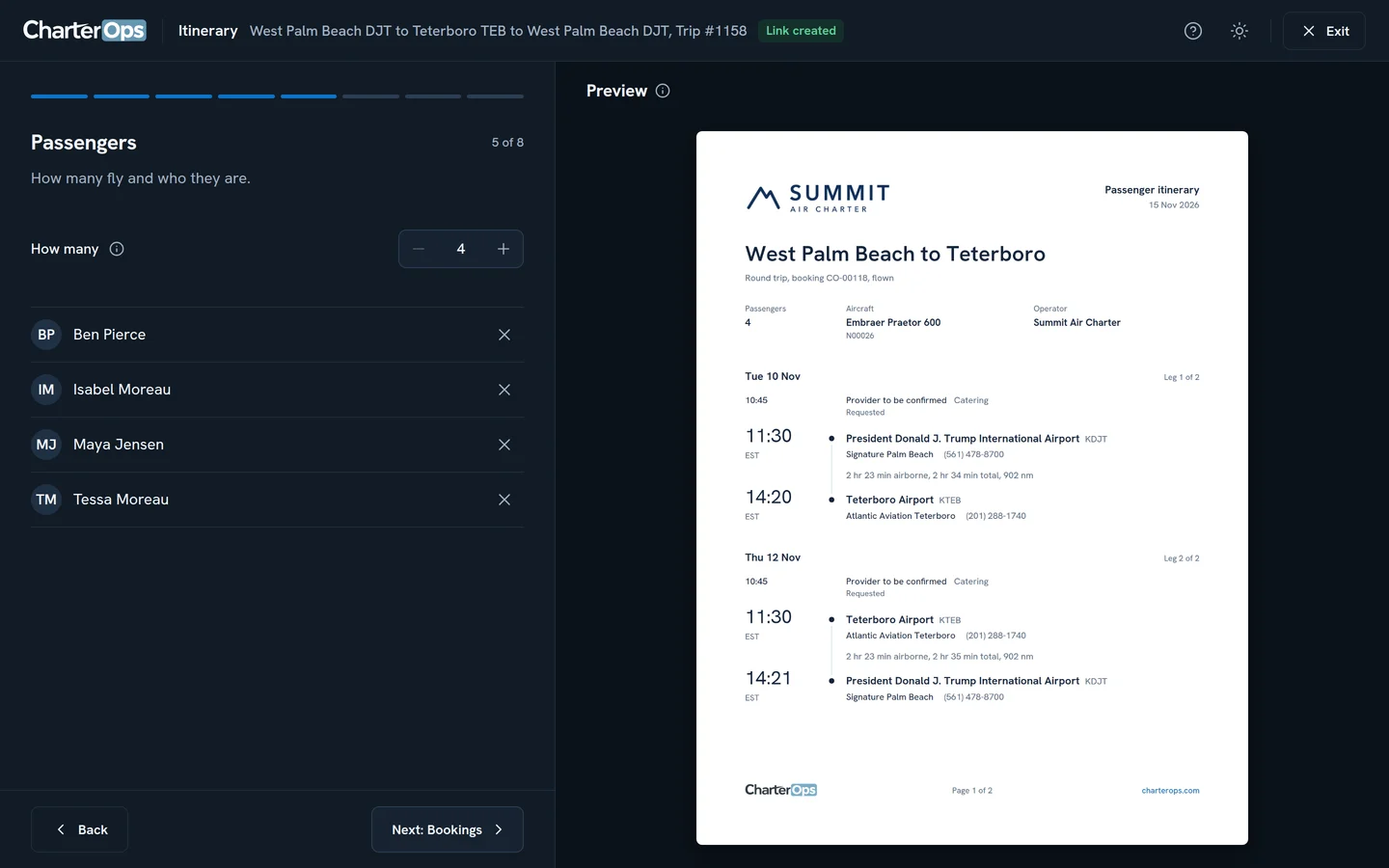
Flights, FBOs, passengers and ground plans in one link and one PDF your passengers can open anywhere.
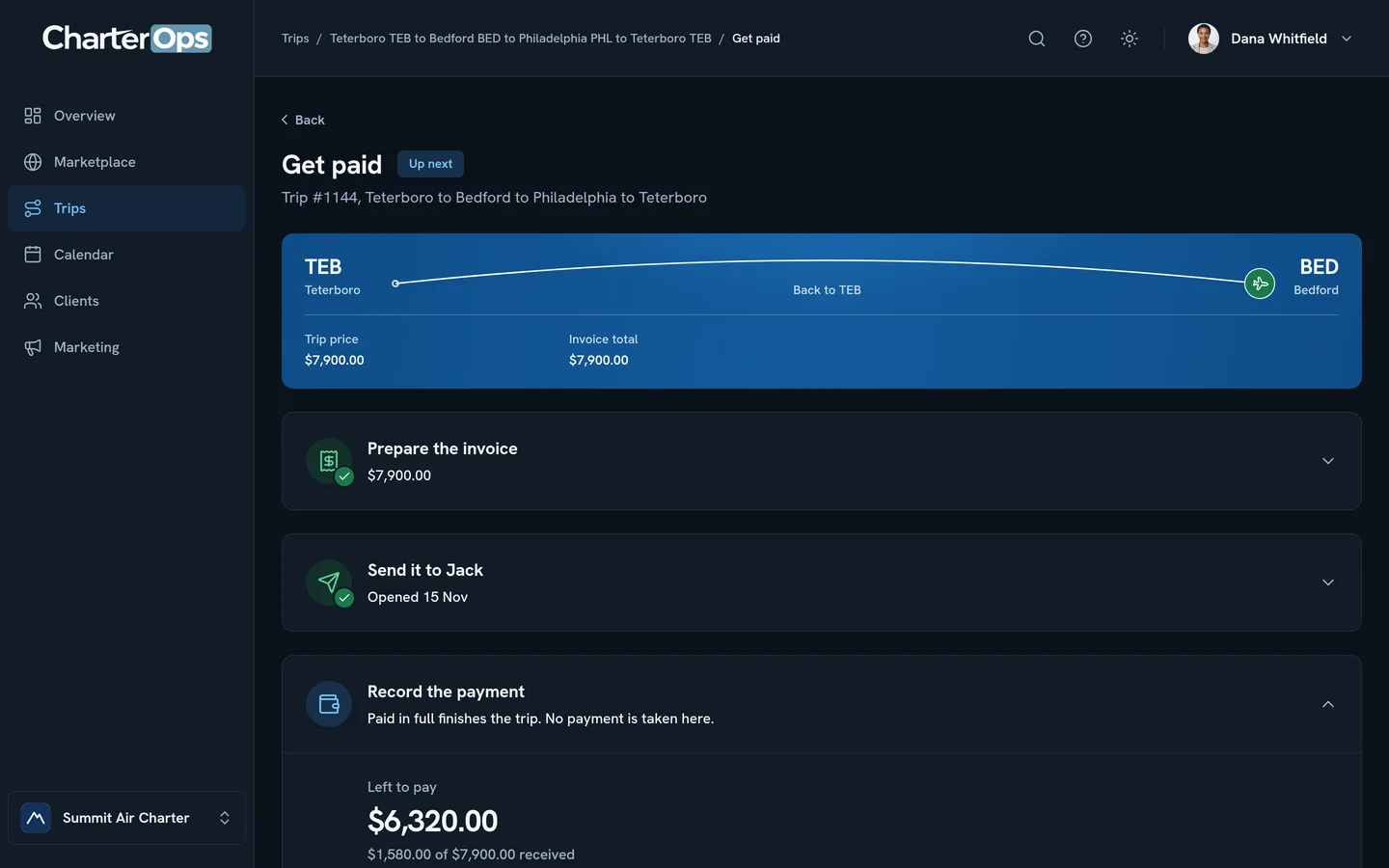
Get paid
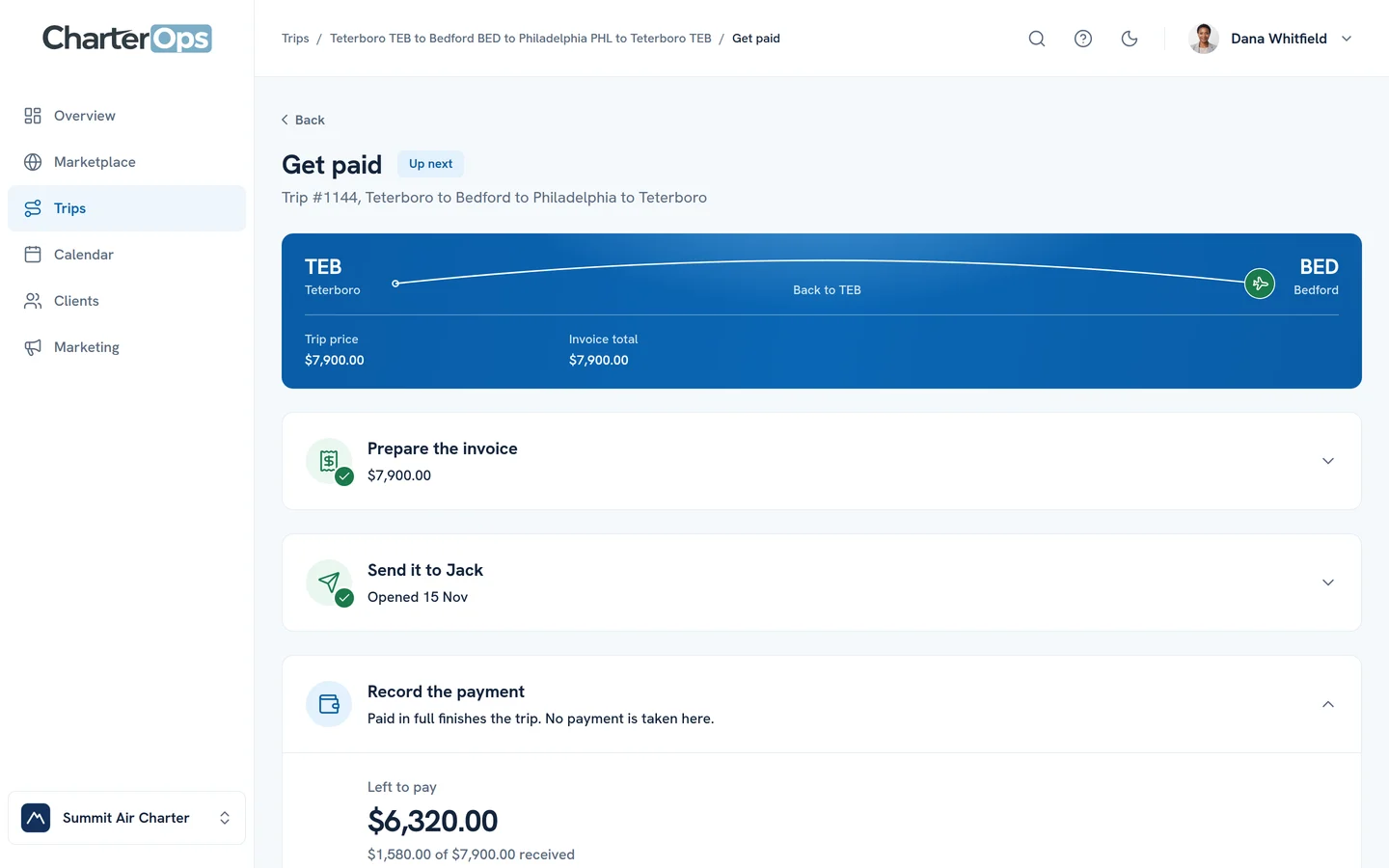
Send the final invoice and record each payment. The trip shows what is left to pay until it’s paid in full.
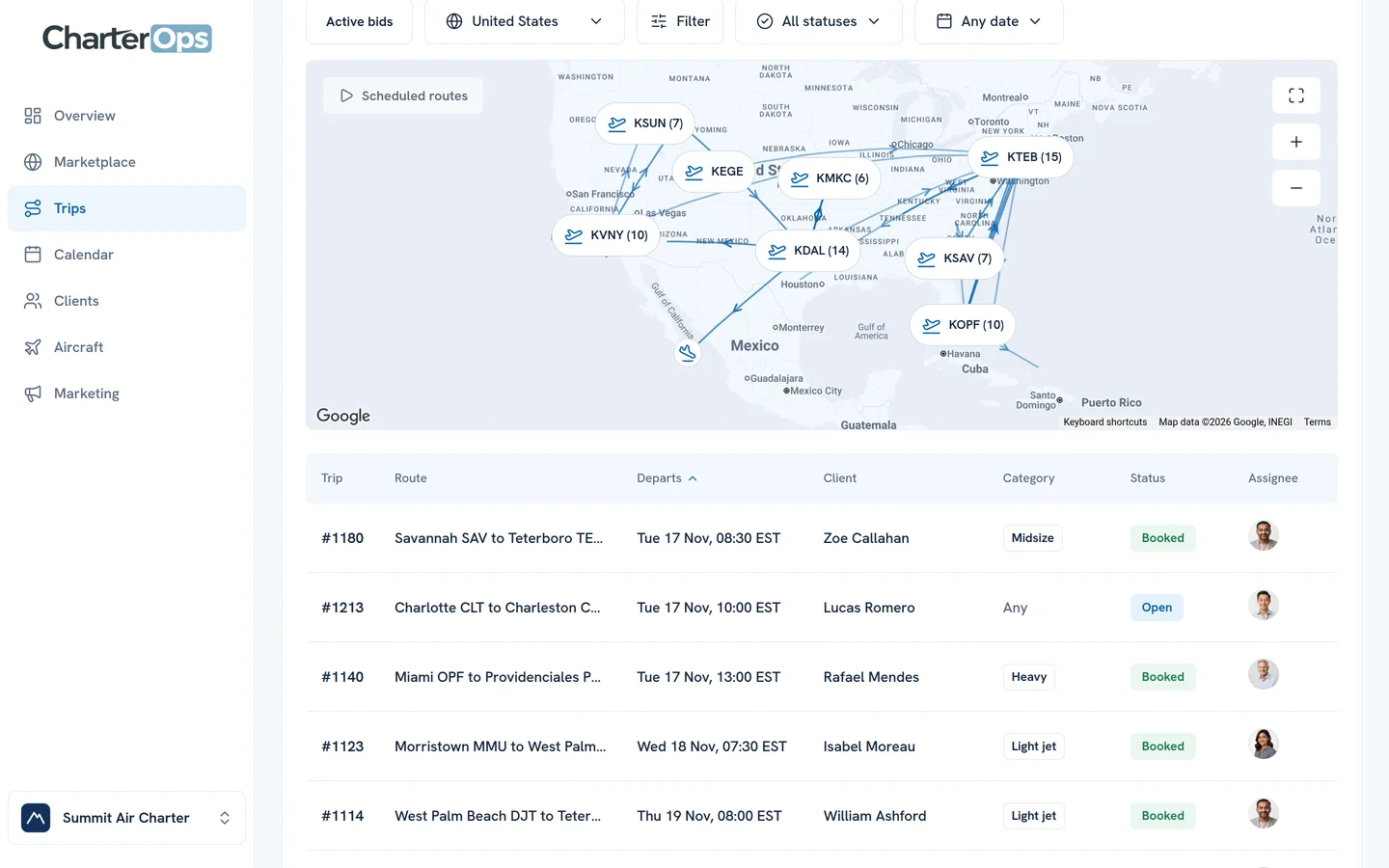
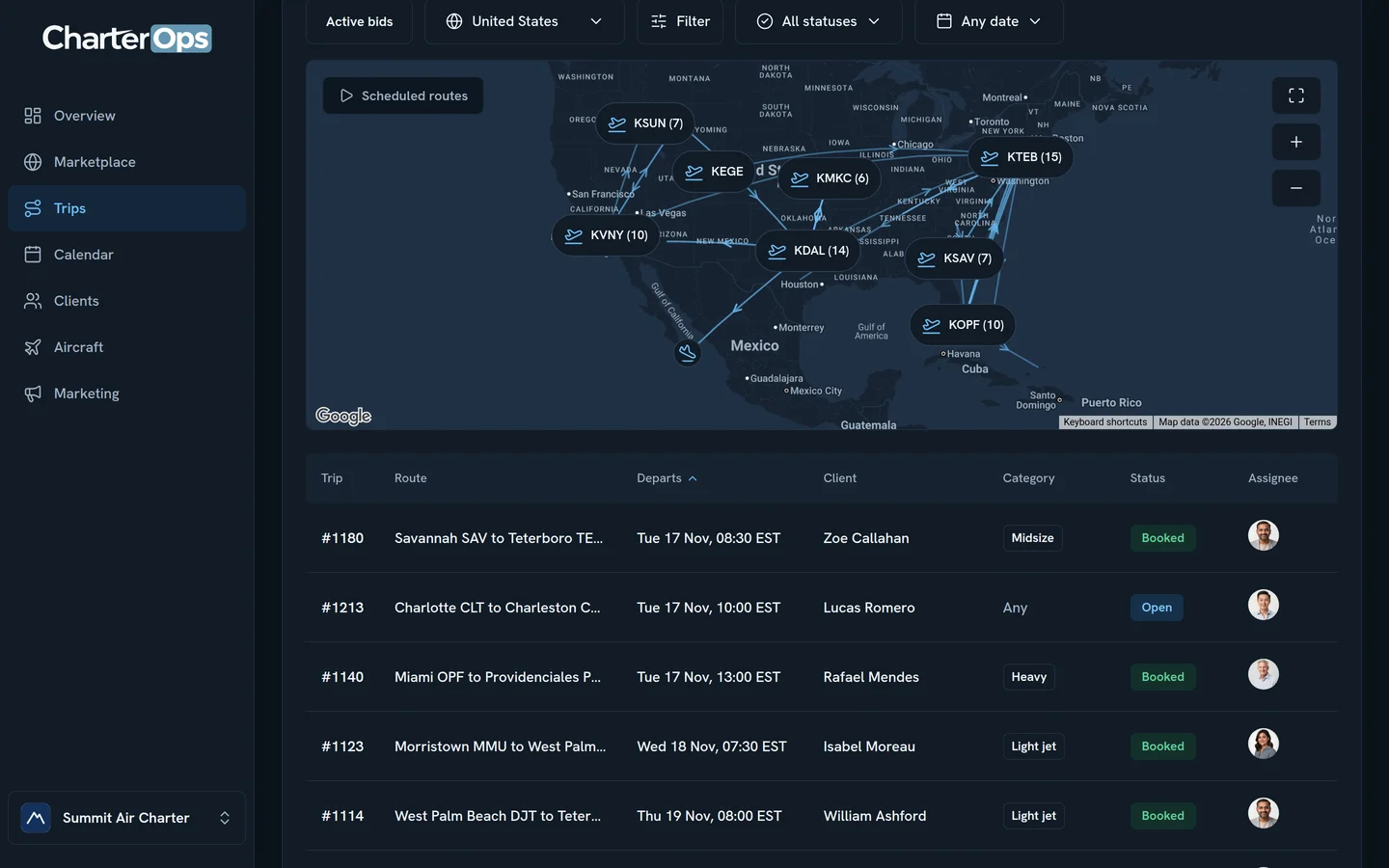
Requests come in from everywhere
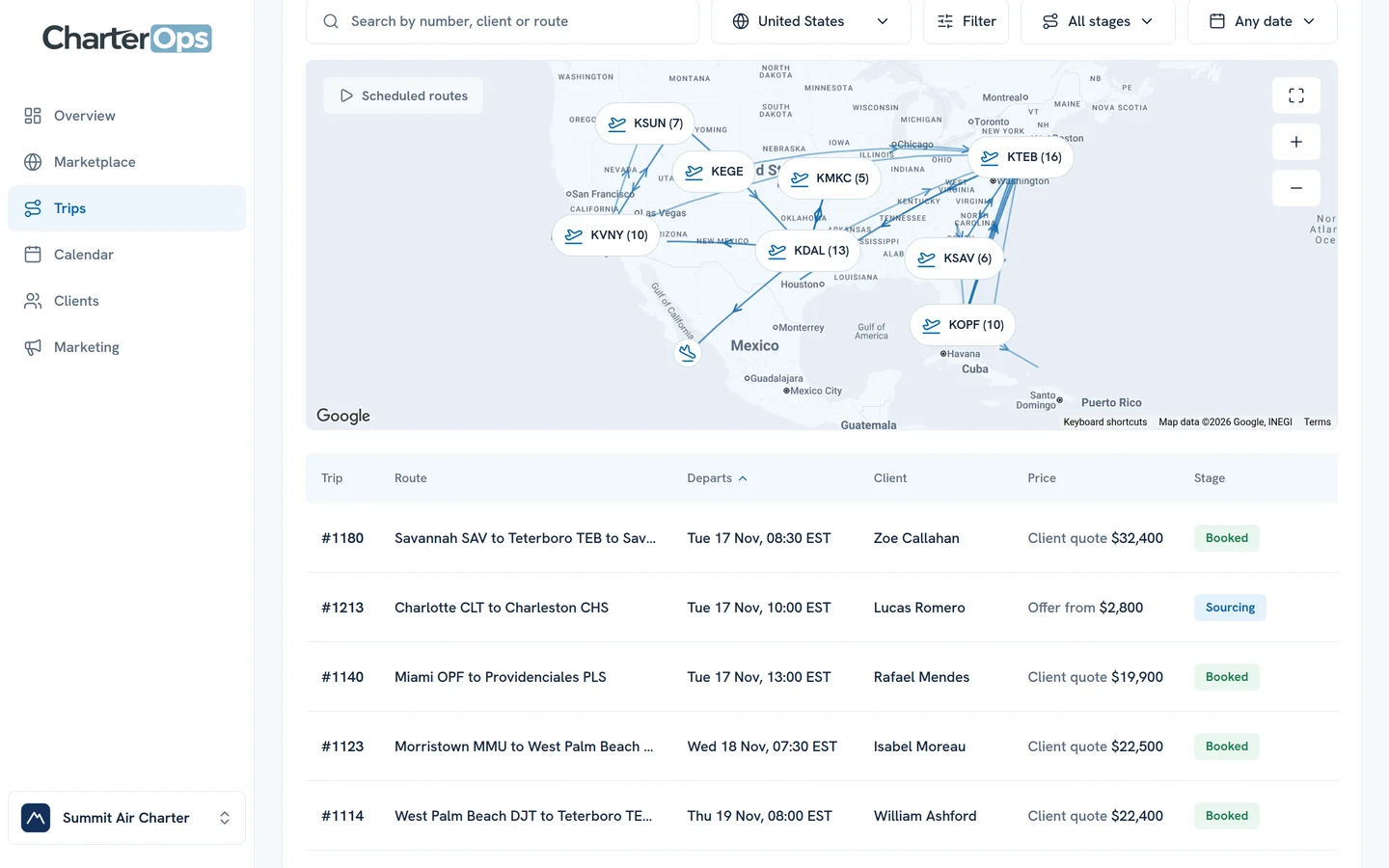
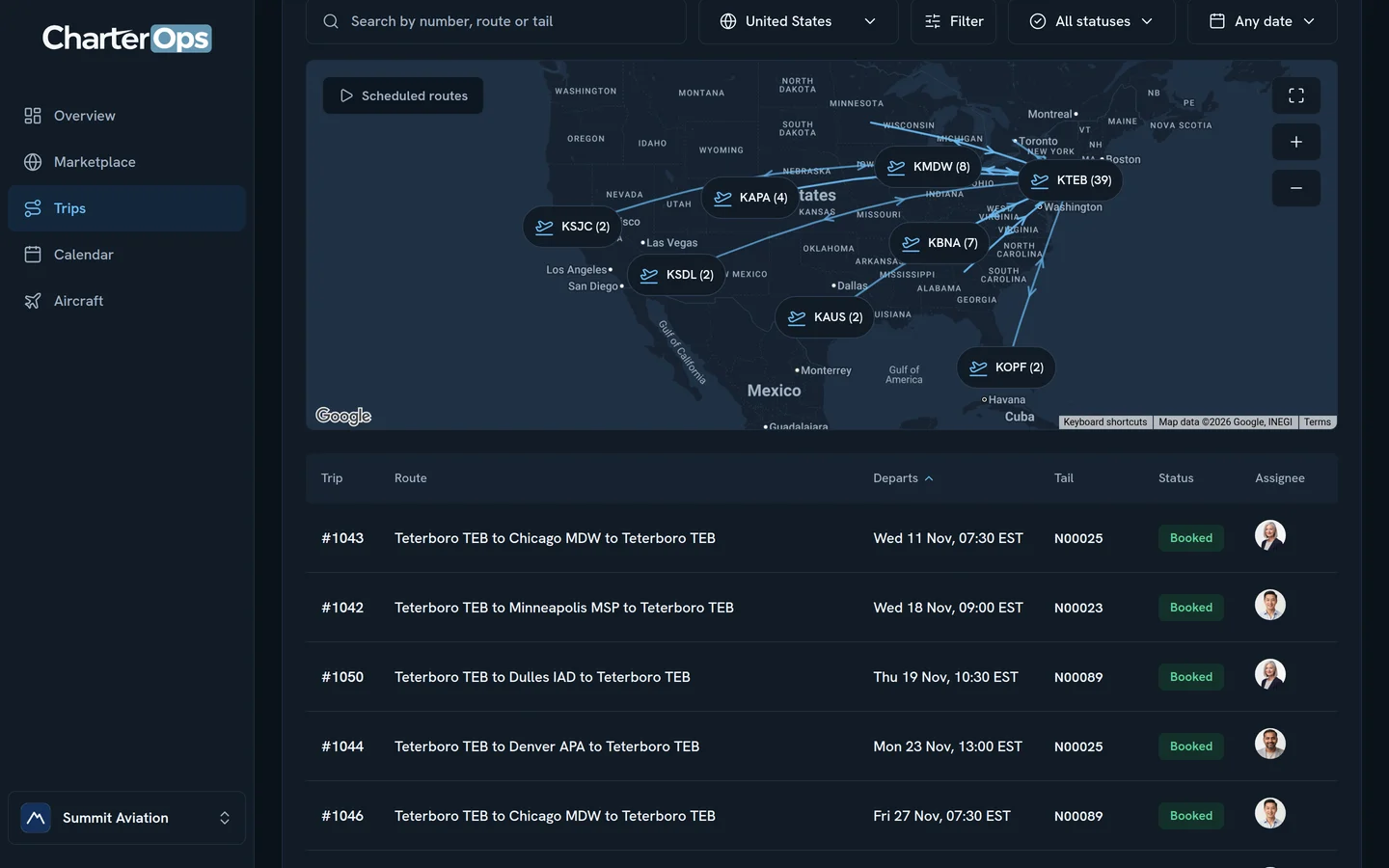
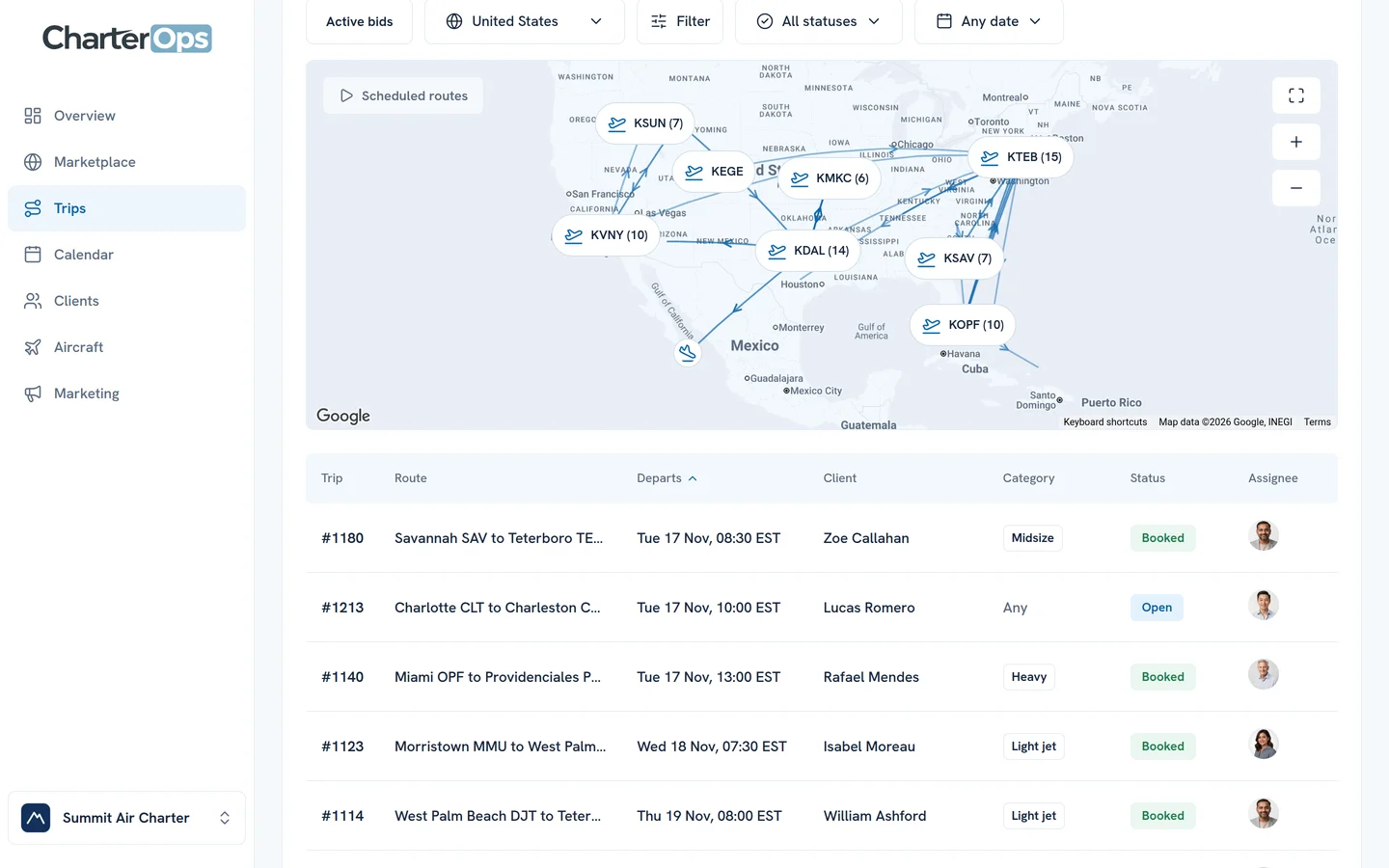
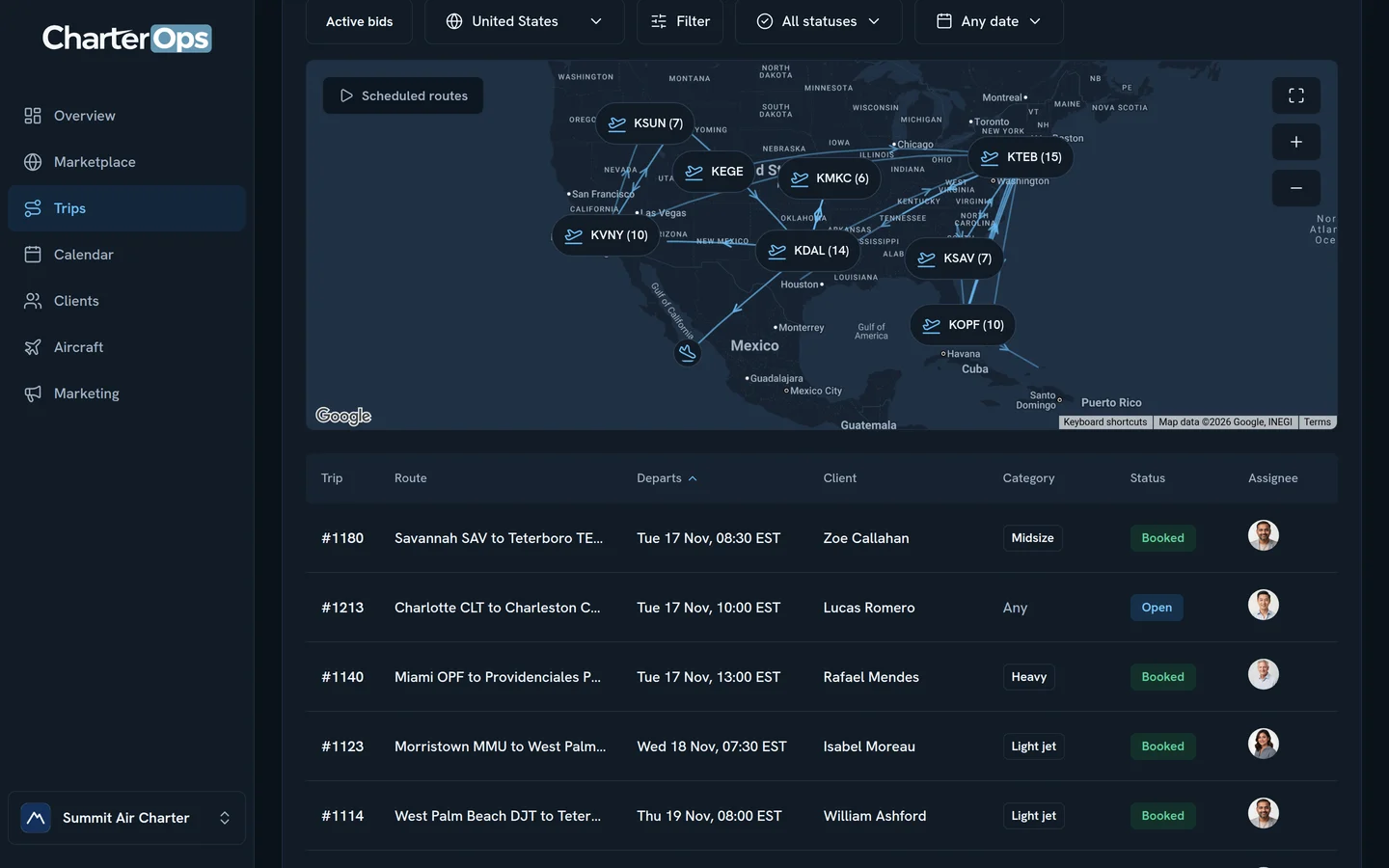
Brokers’ trips from the Marketplace, your clients’ requests from their portal, and the ones you take by phone or email all land in Trips.
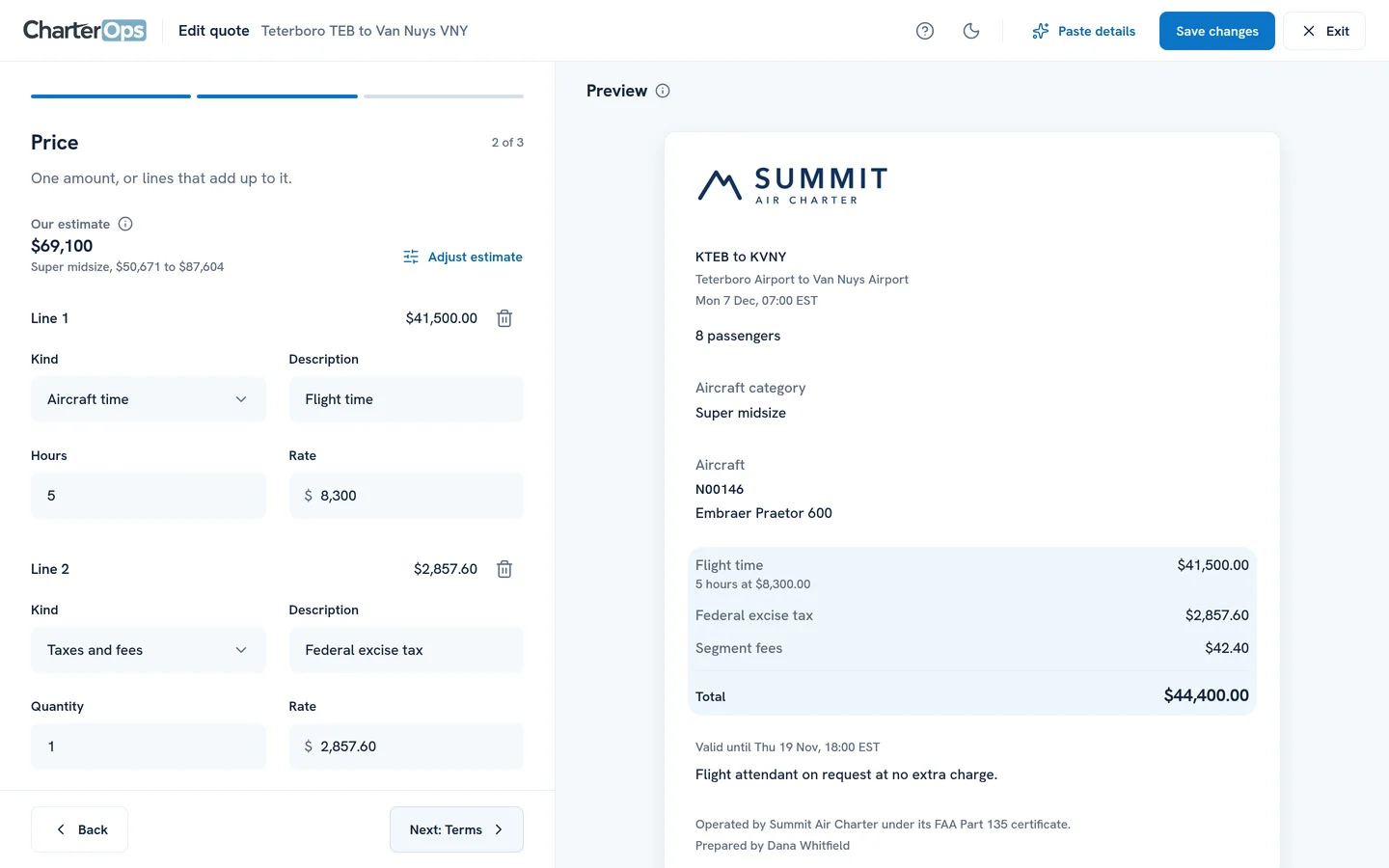
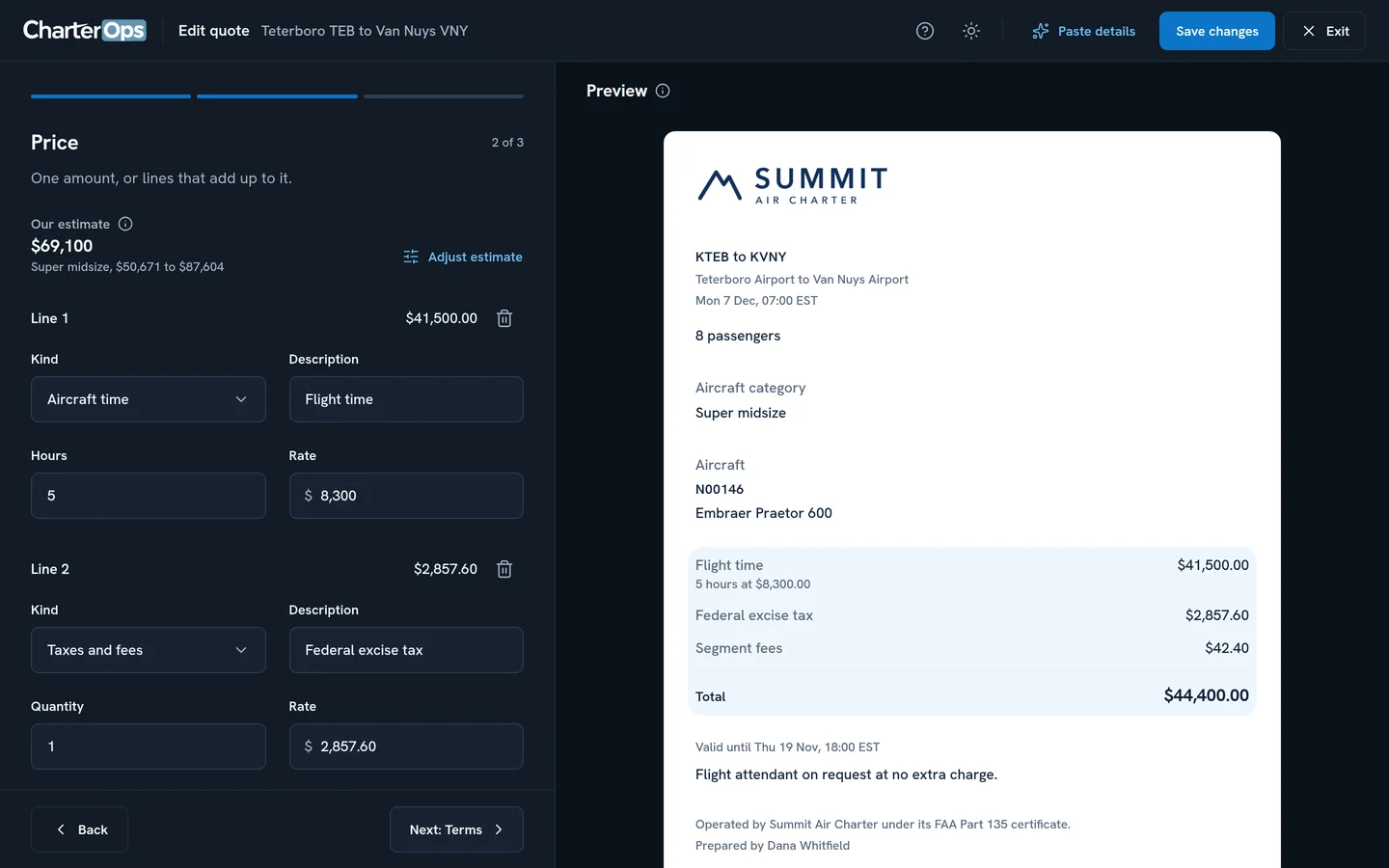
Quote it on your aircraft
Pick the tail and the price starts from its flight time and taxes. Change any line and the quote changes beside you.
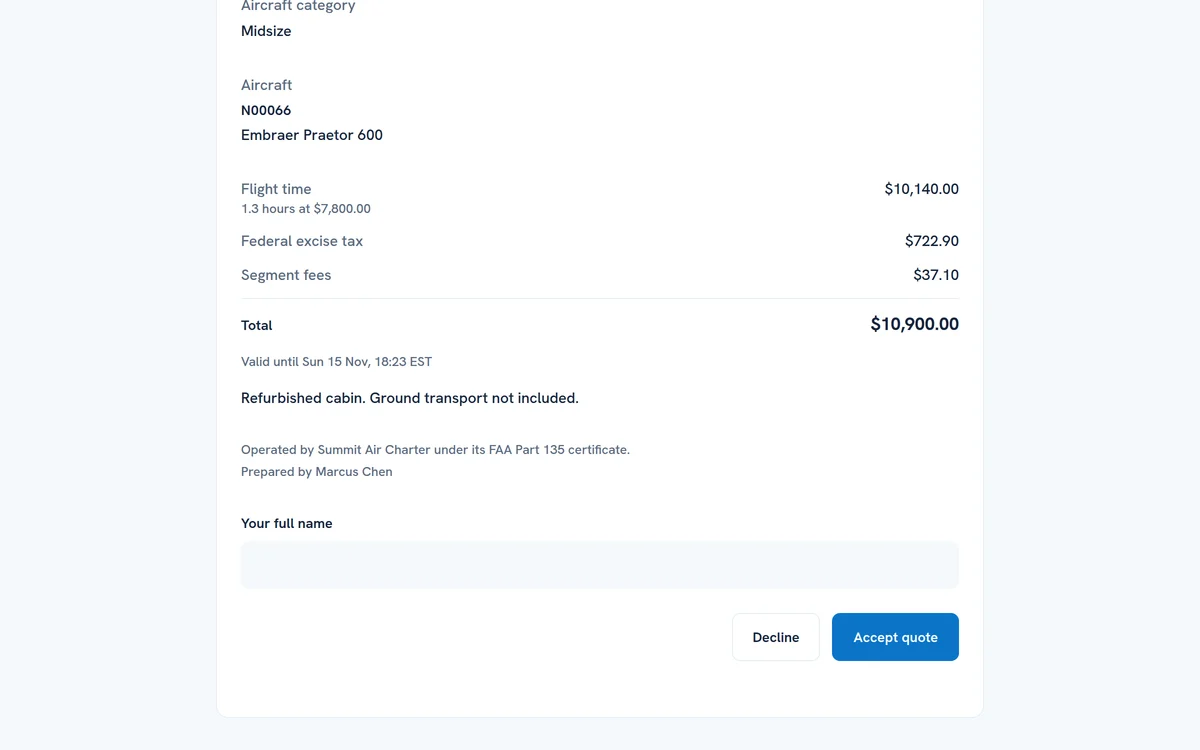
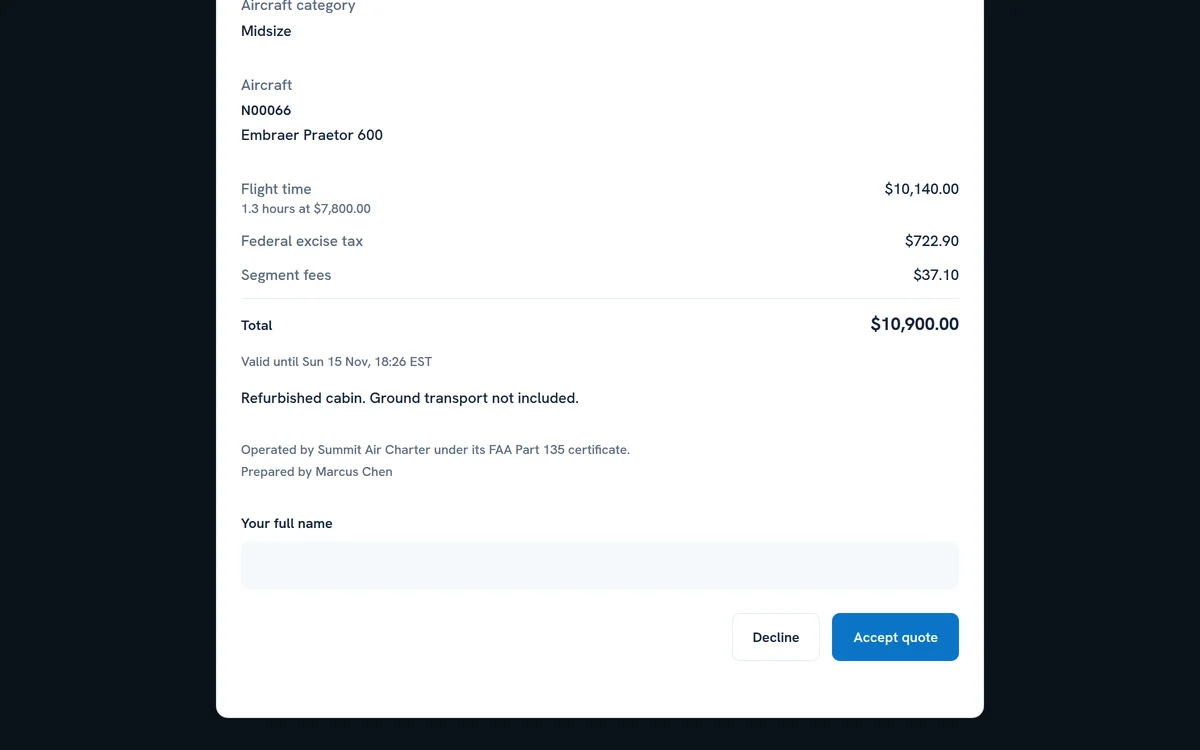
Your client accepts online
They open the quote under your logo, see every line, and accept it with their name.
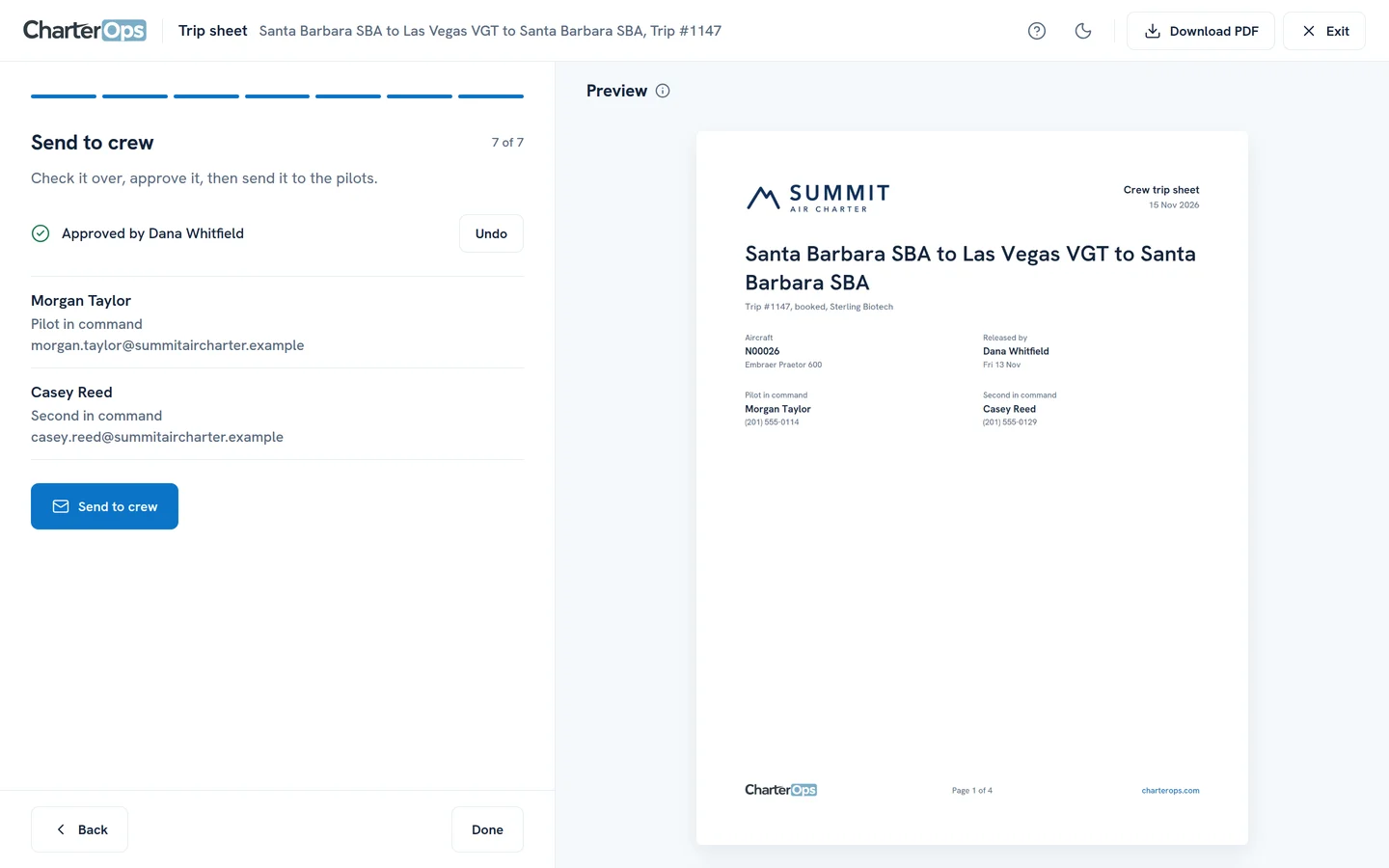
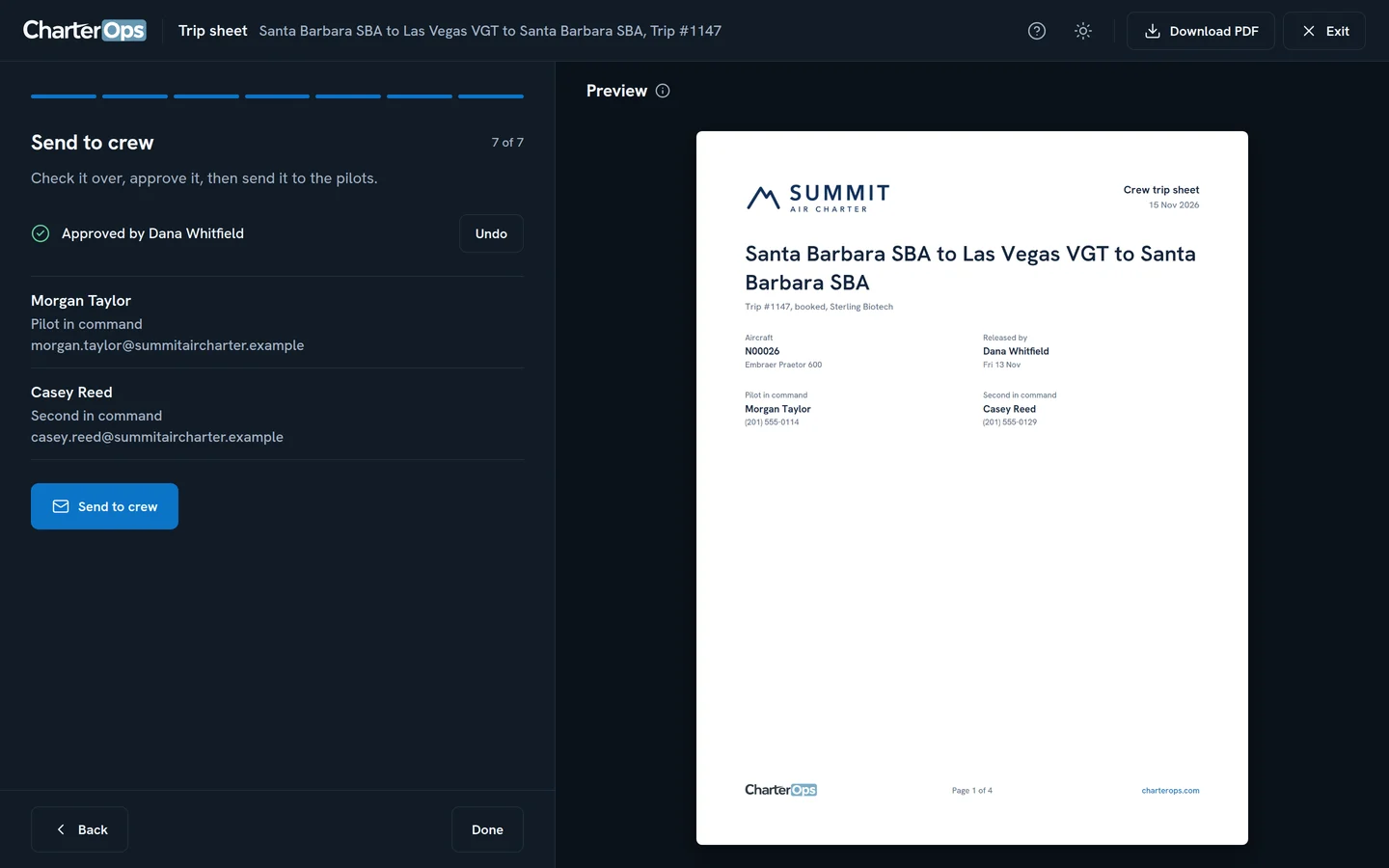
Brief the crew
Set the aircraft and pilots, then send each pilot one trip sheet with every leg, FBO and contact.
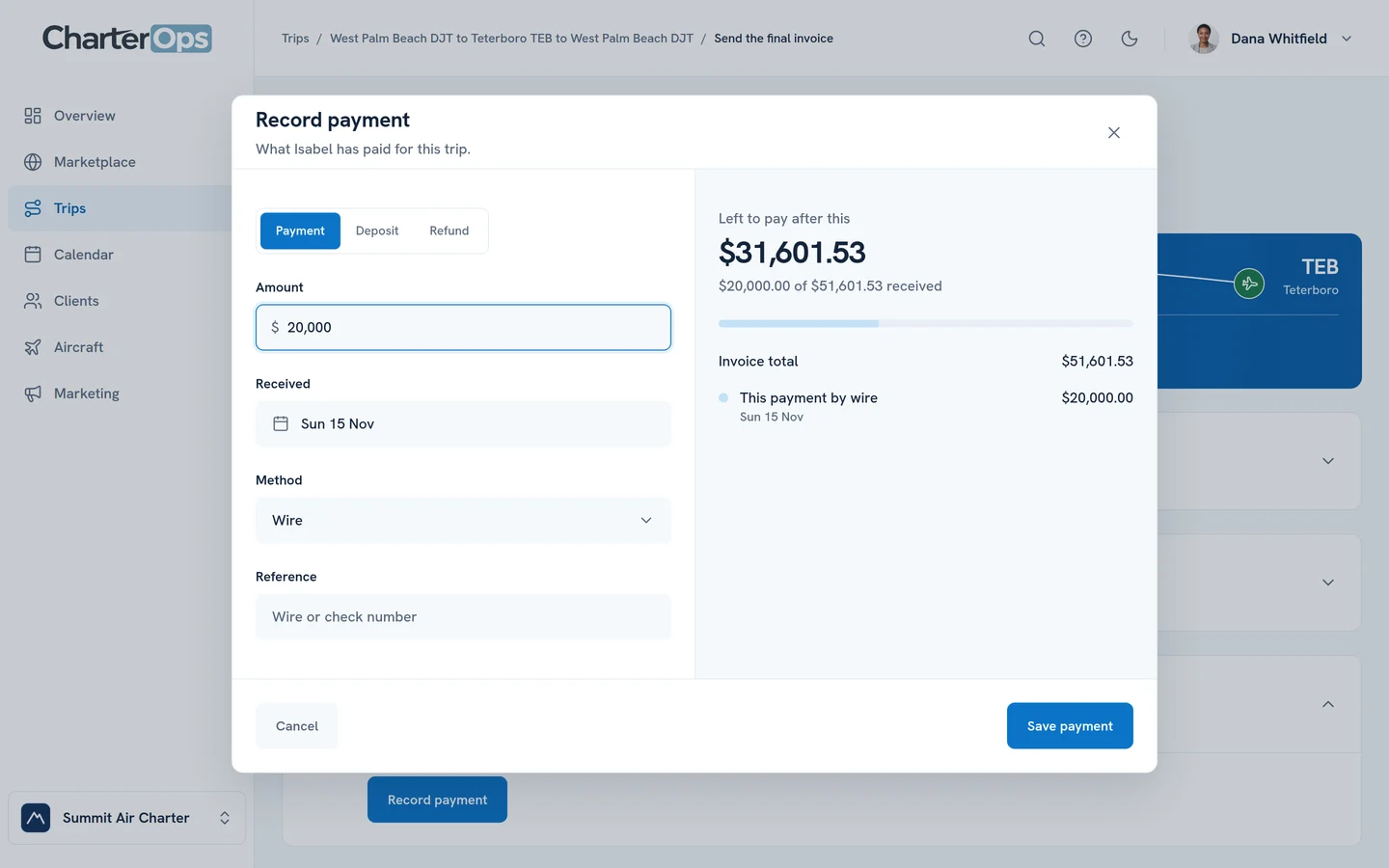
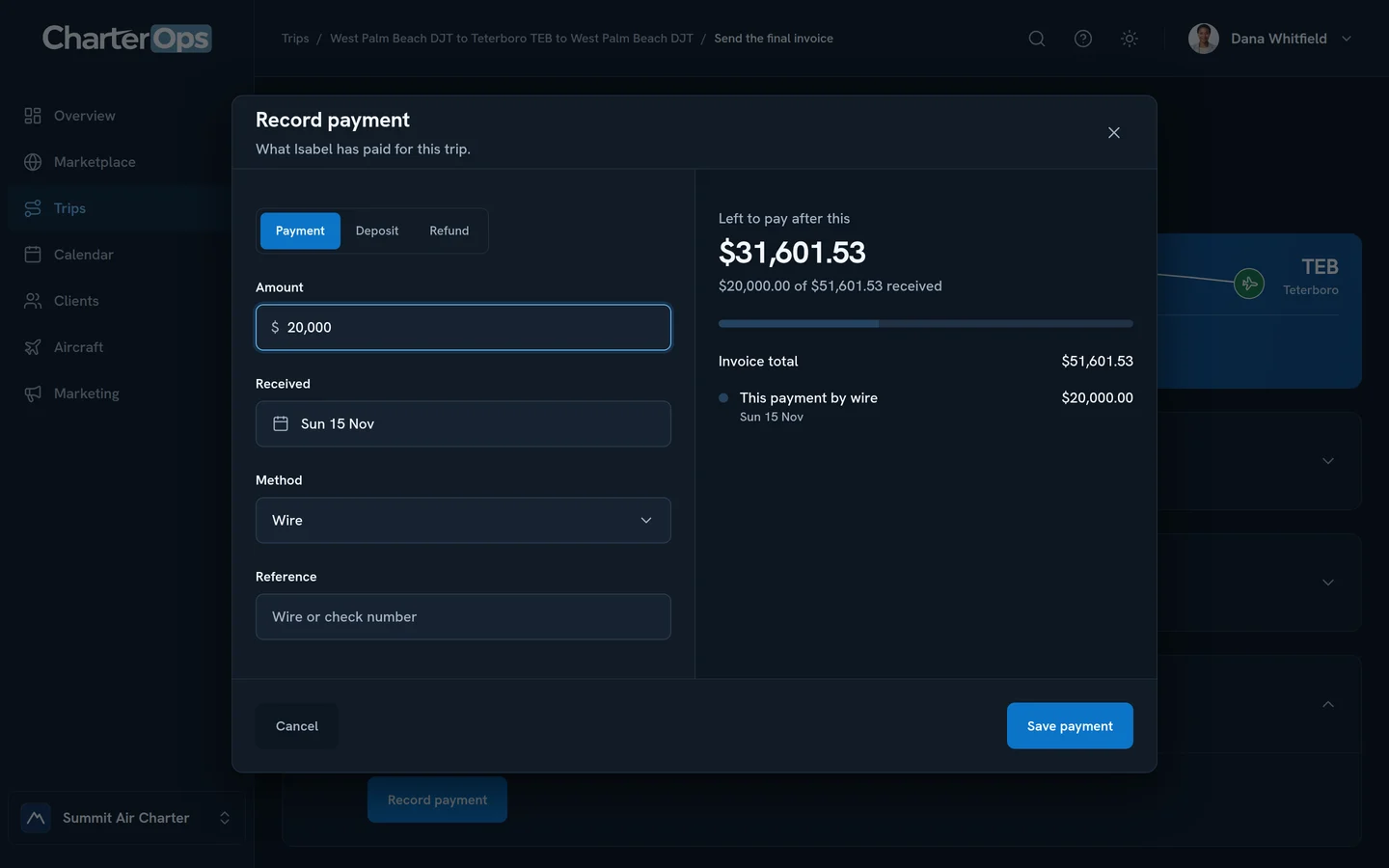
Get paid
Issue the final invoice with the costs the client covers, then record each payment as it arrives until it’s paid in full.
Everything around the trip.
The work between trips, for your side of it.
Book empty legs
Find one-way flights on your client’s route and ask the operator for one.
Post a trip to the Marketplace
Put a trip in front of the operators on CharterOps and collect their offers on it.
Give clients their own portal
Clients see their trips, approve quotes and add passengers, free and without a seat.
Email your clients
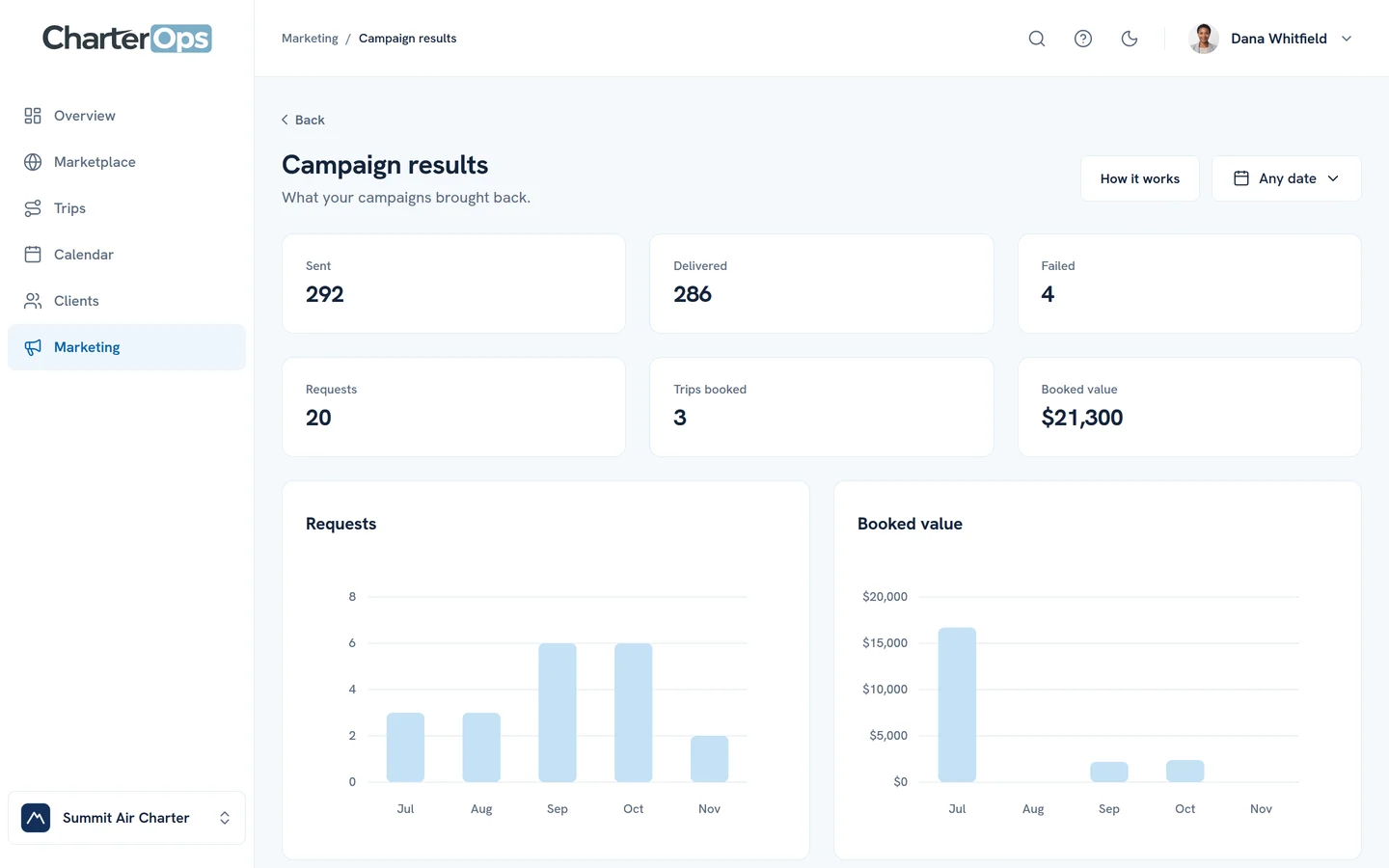
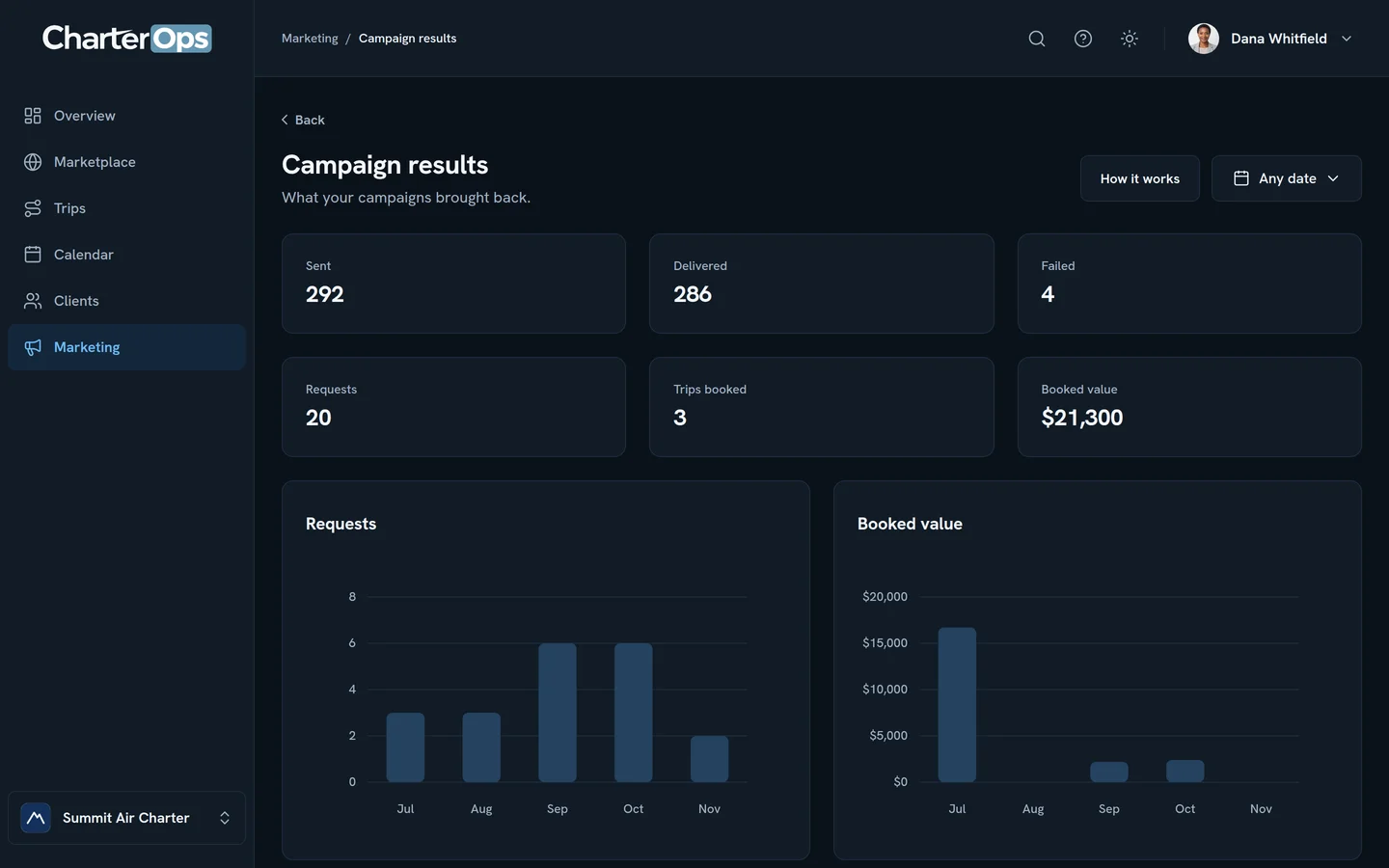
Send empty legs to your client list and see the requests and bookings they bring back.
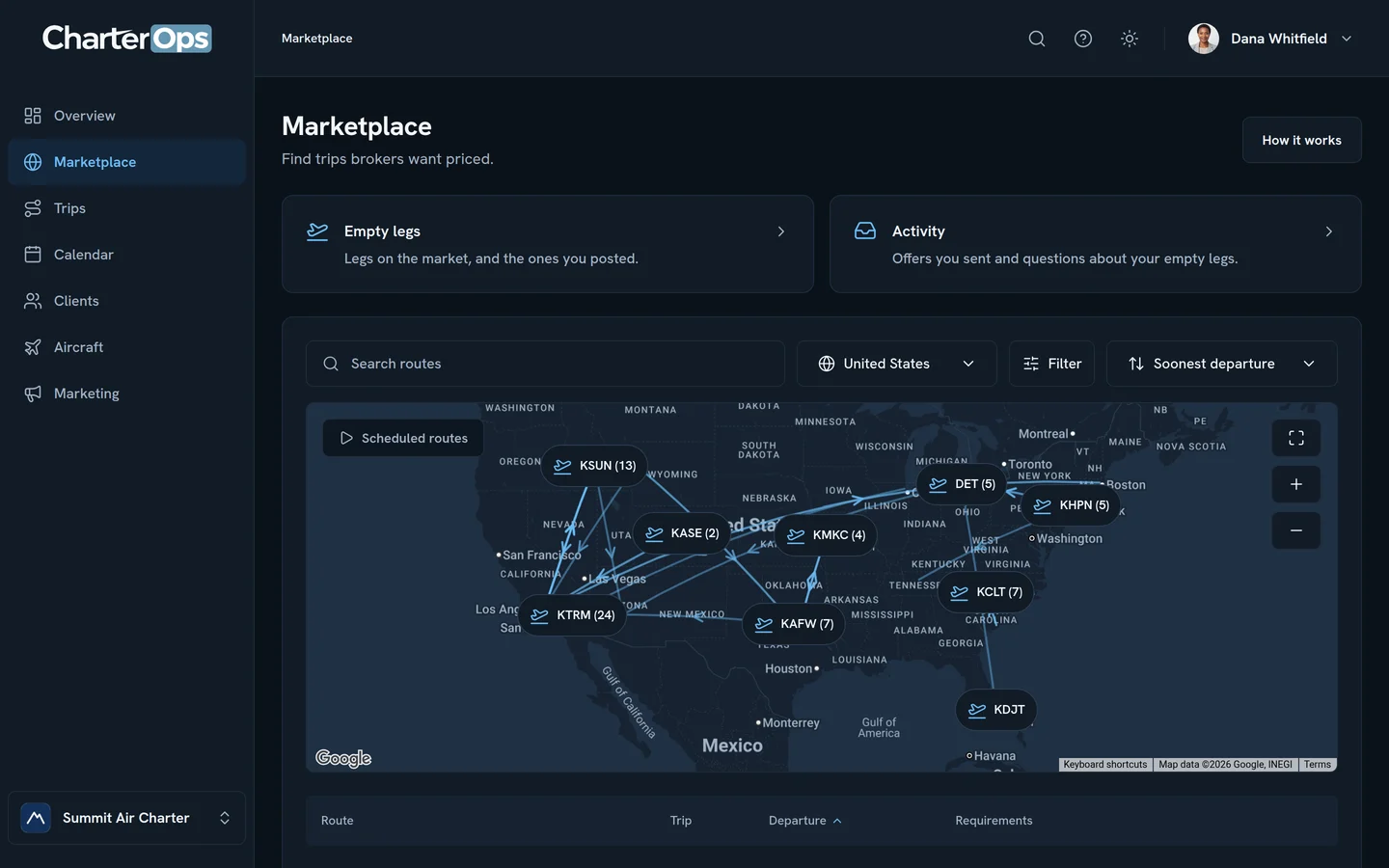
Find trips to price
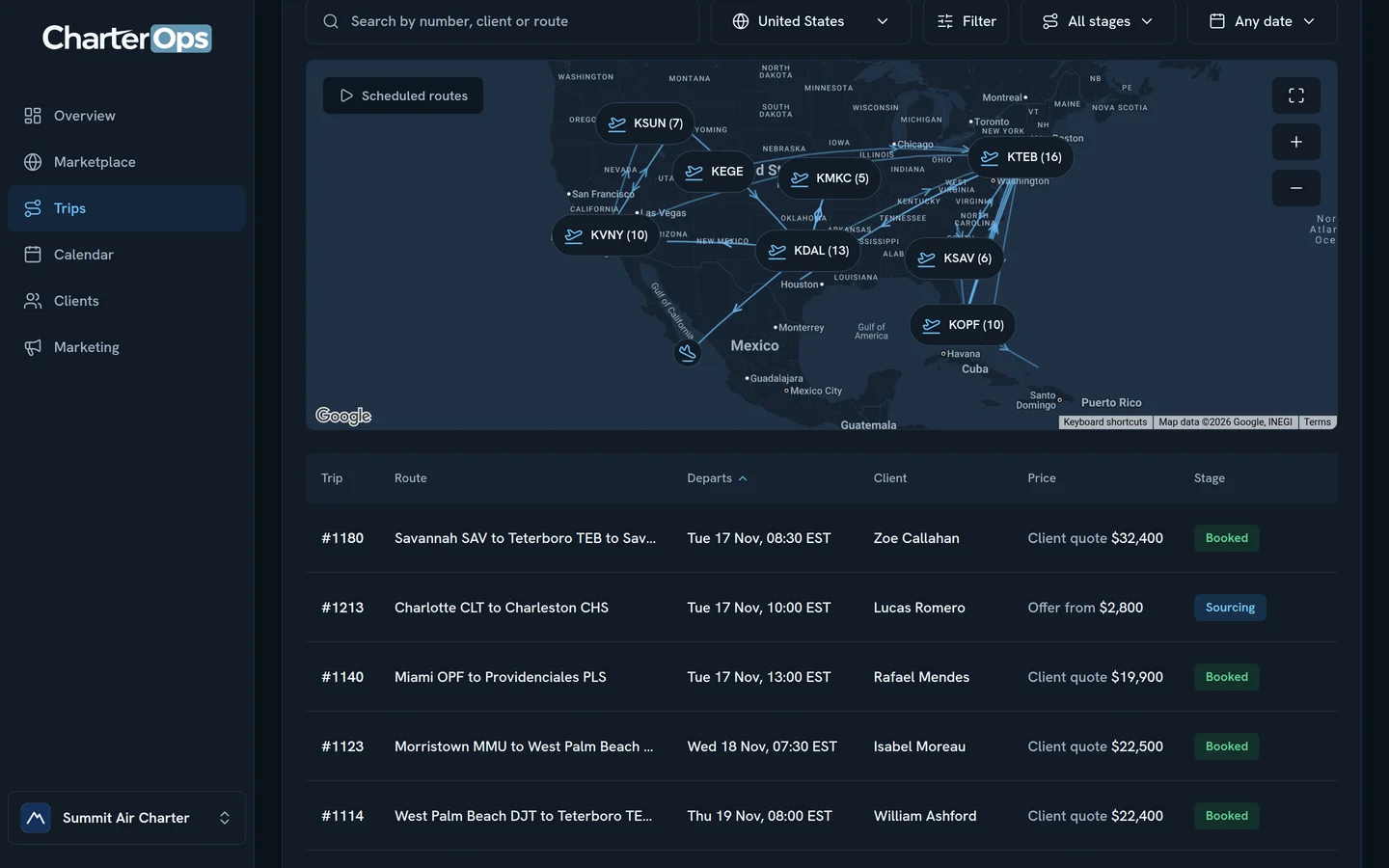
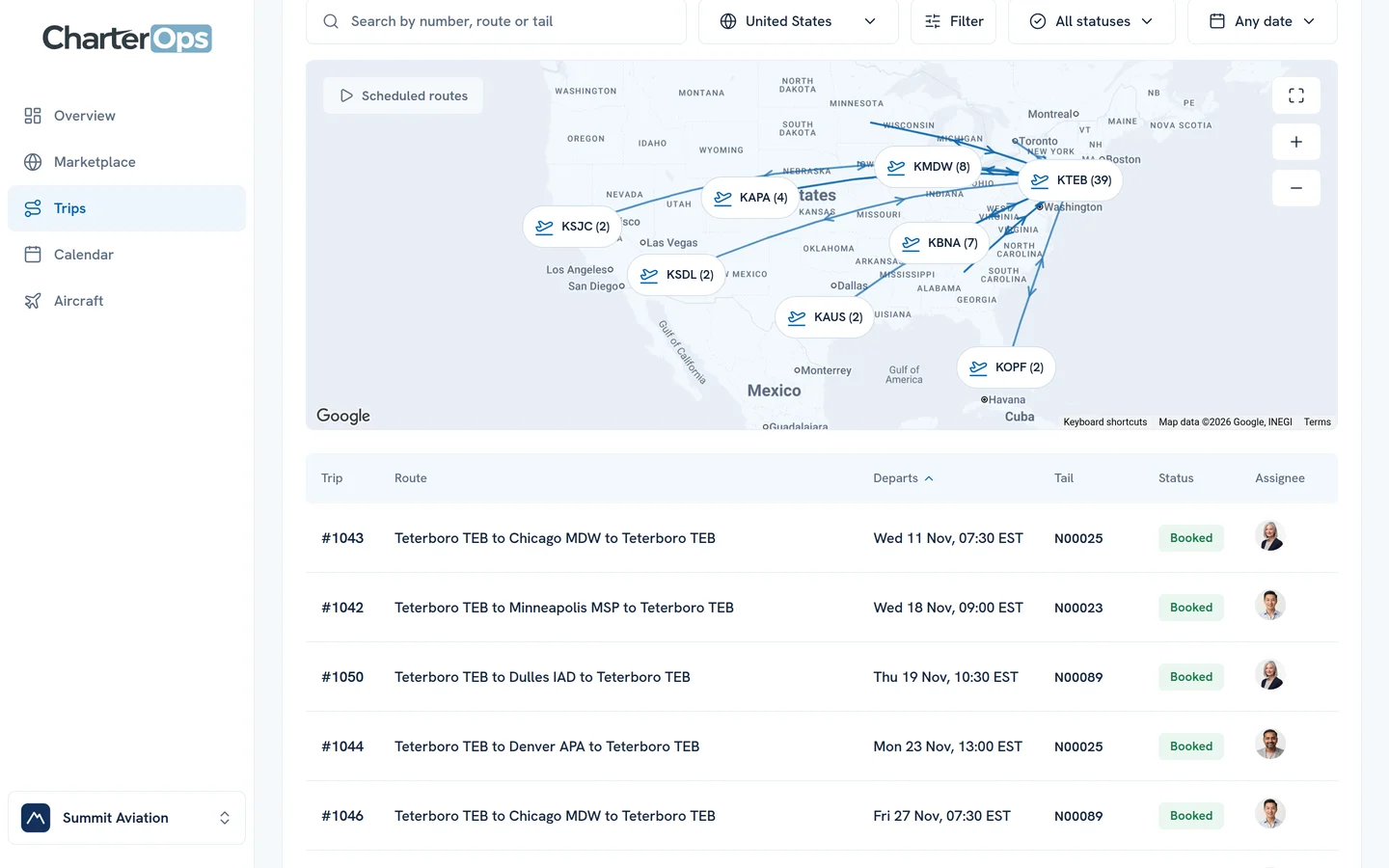
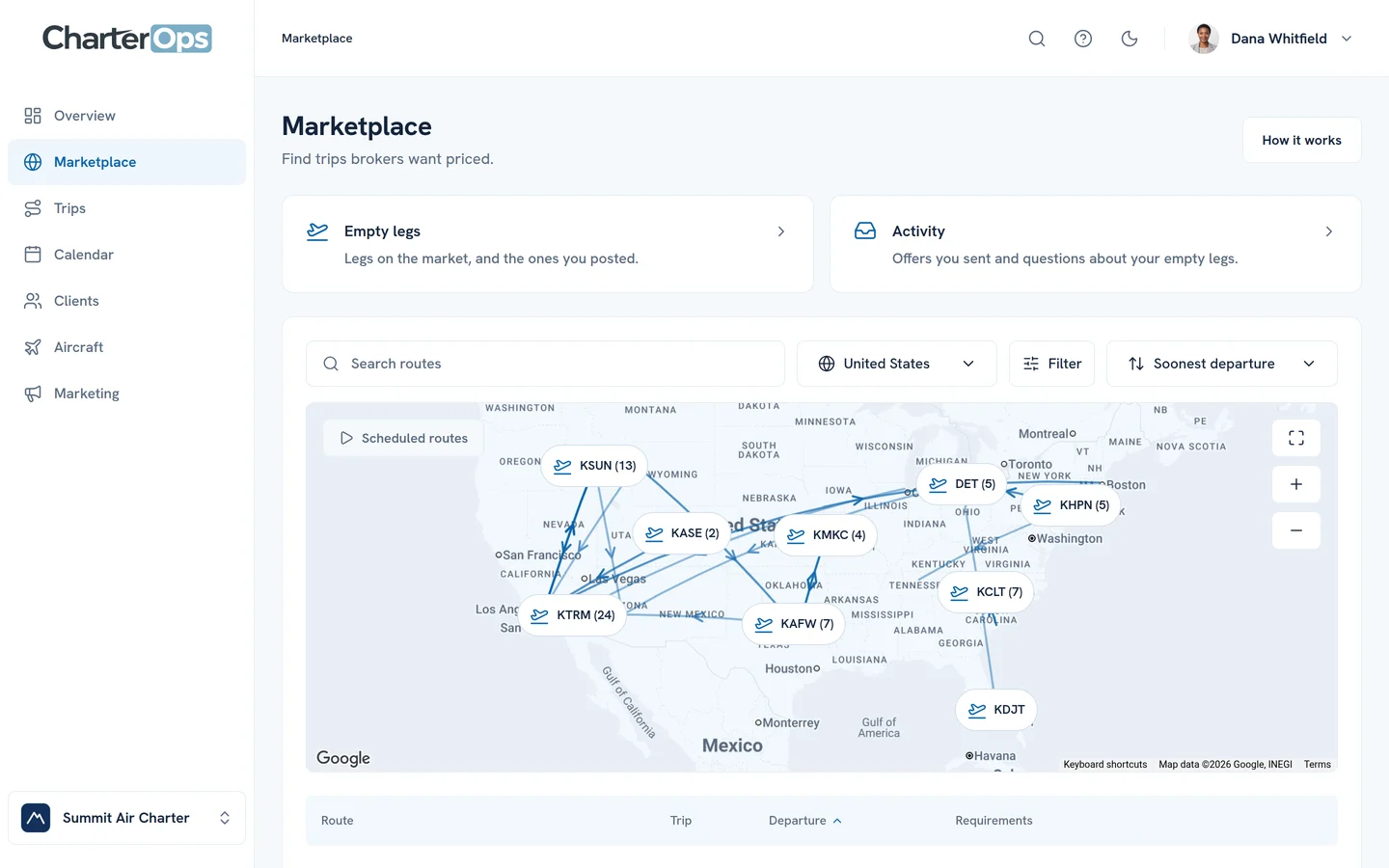
Brokers’ posted trips on a map that narrows to the routes you want as you filter.
Sell your empty legs
Post a repositioning flight once. Brokers find it on the Marketplace and your clients get it by email.
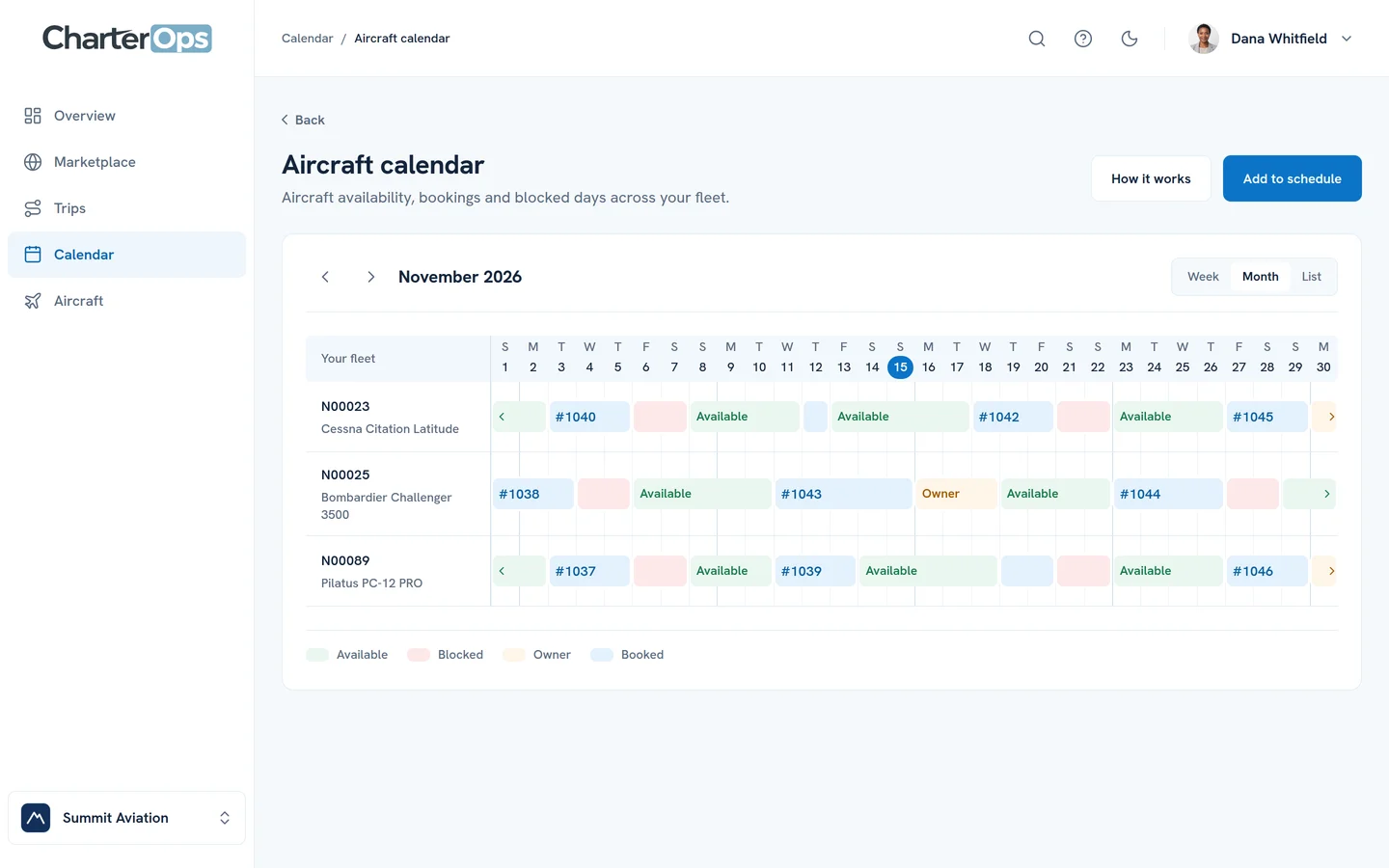
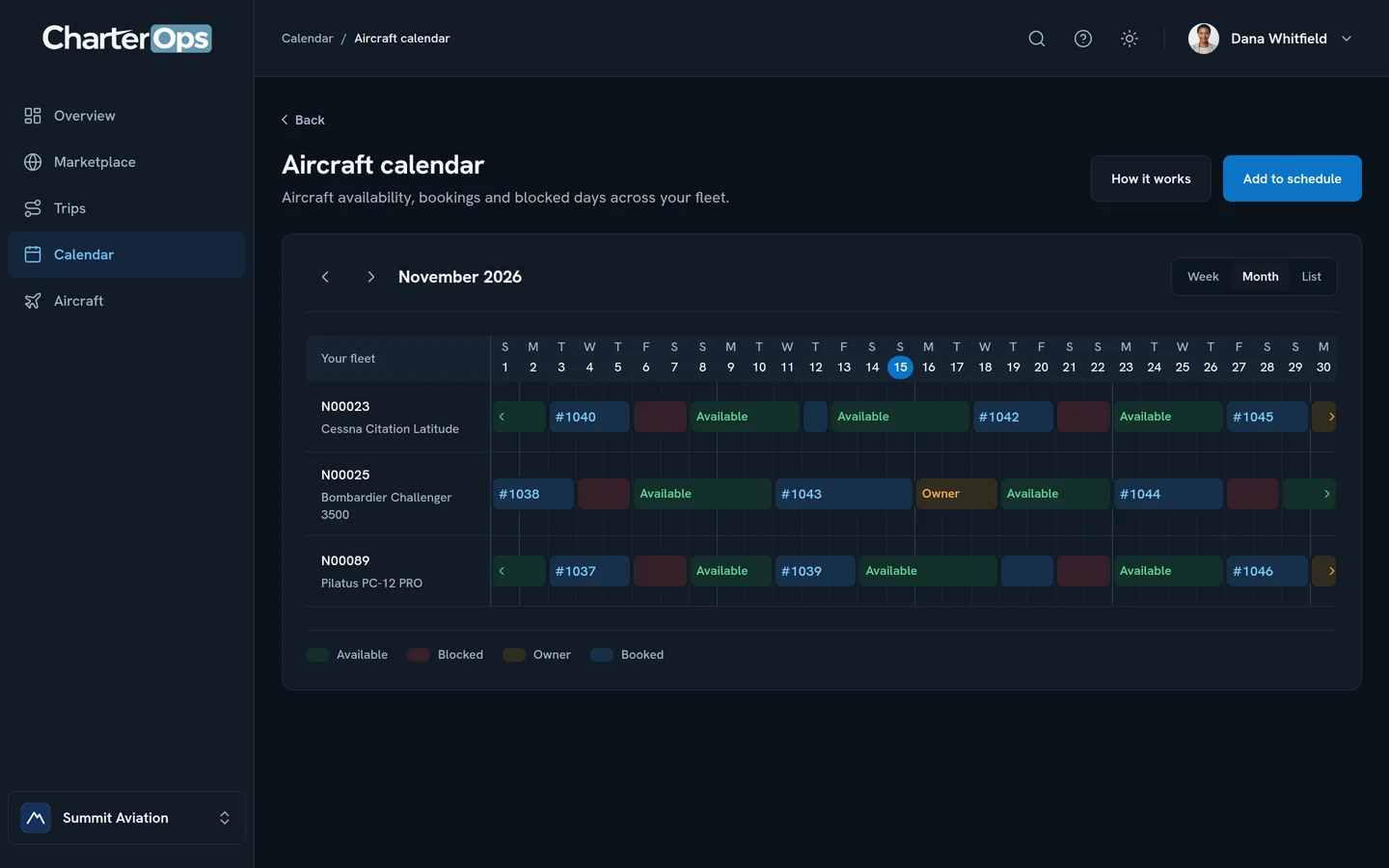
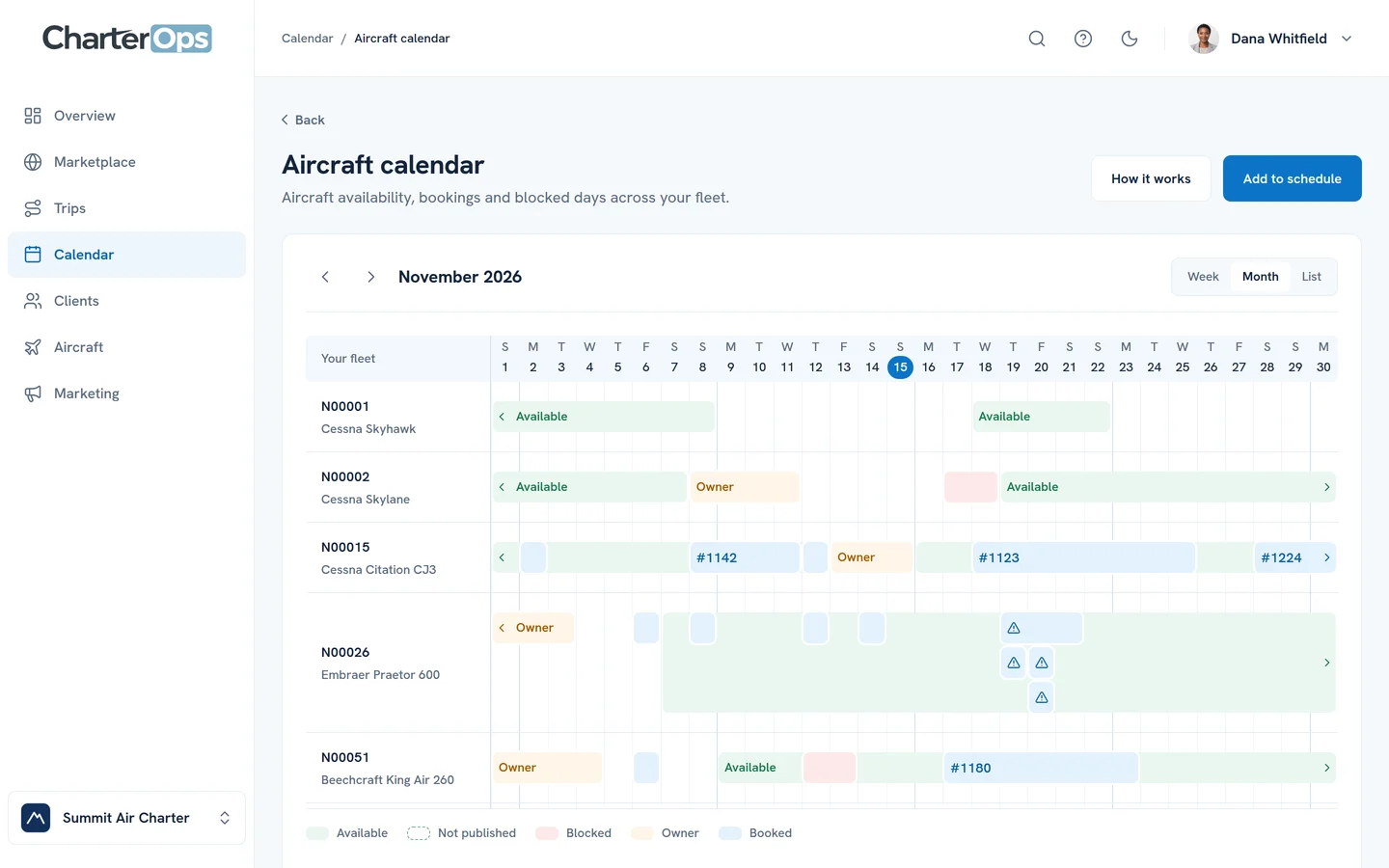
See your fleet’s month
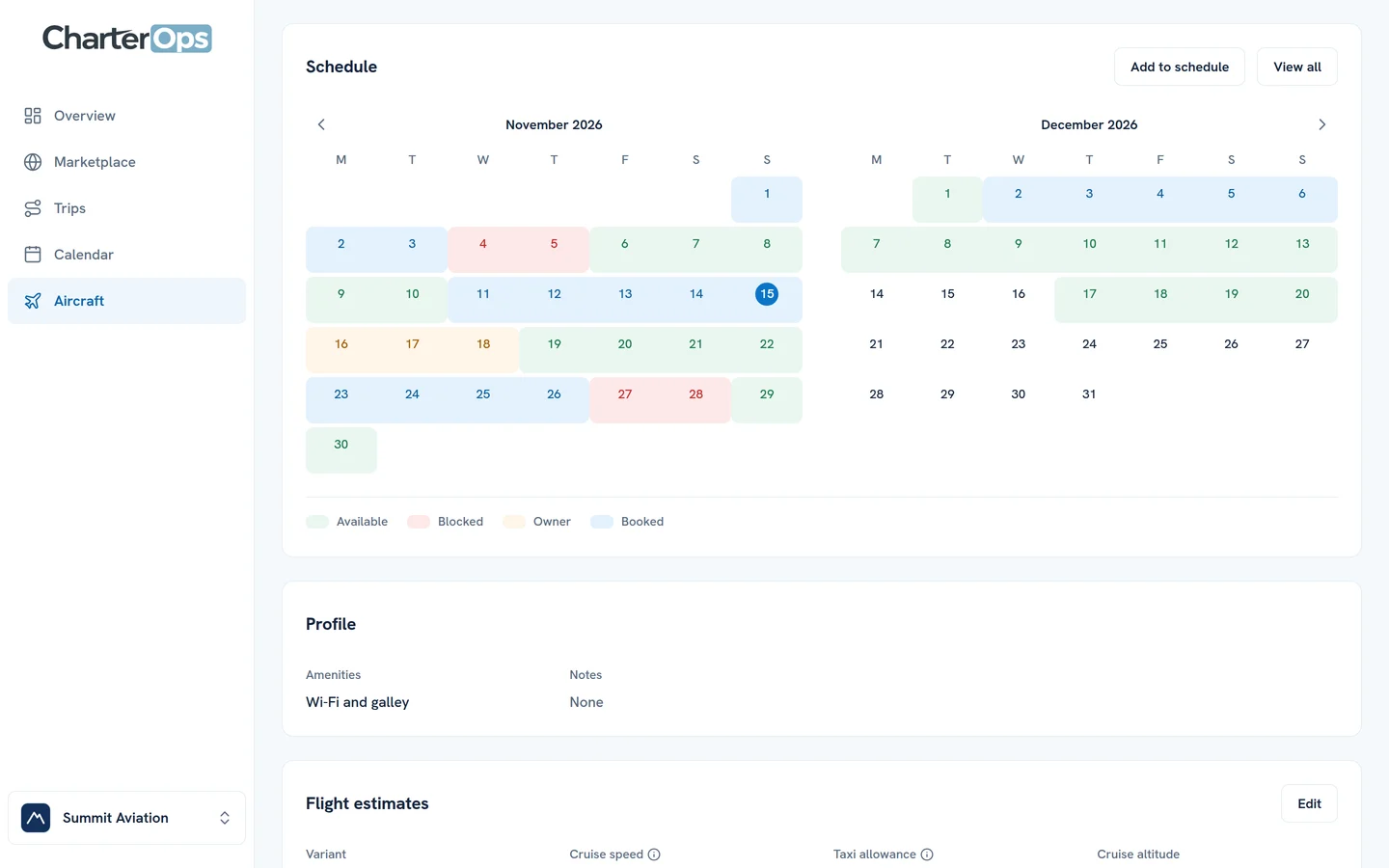
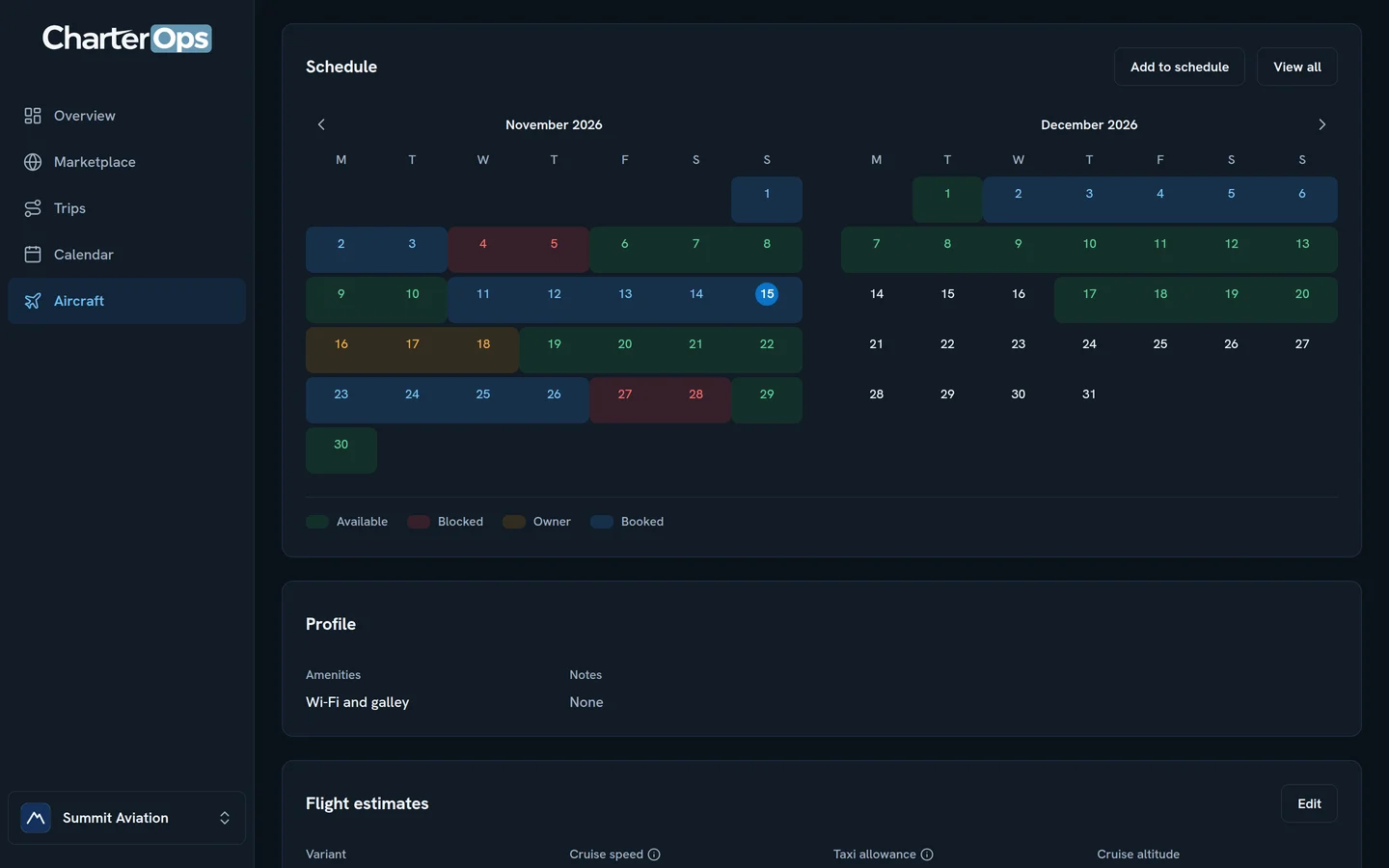
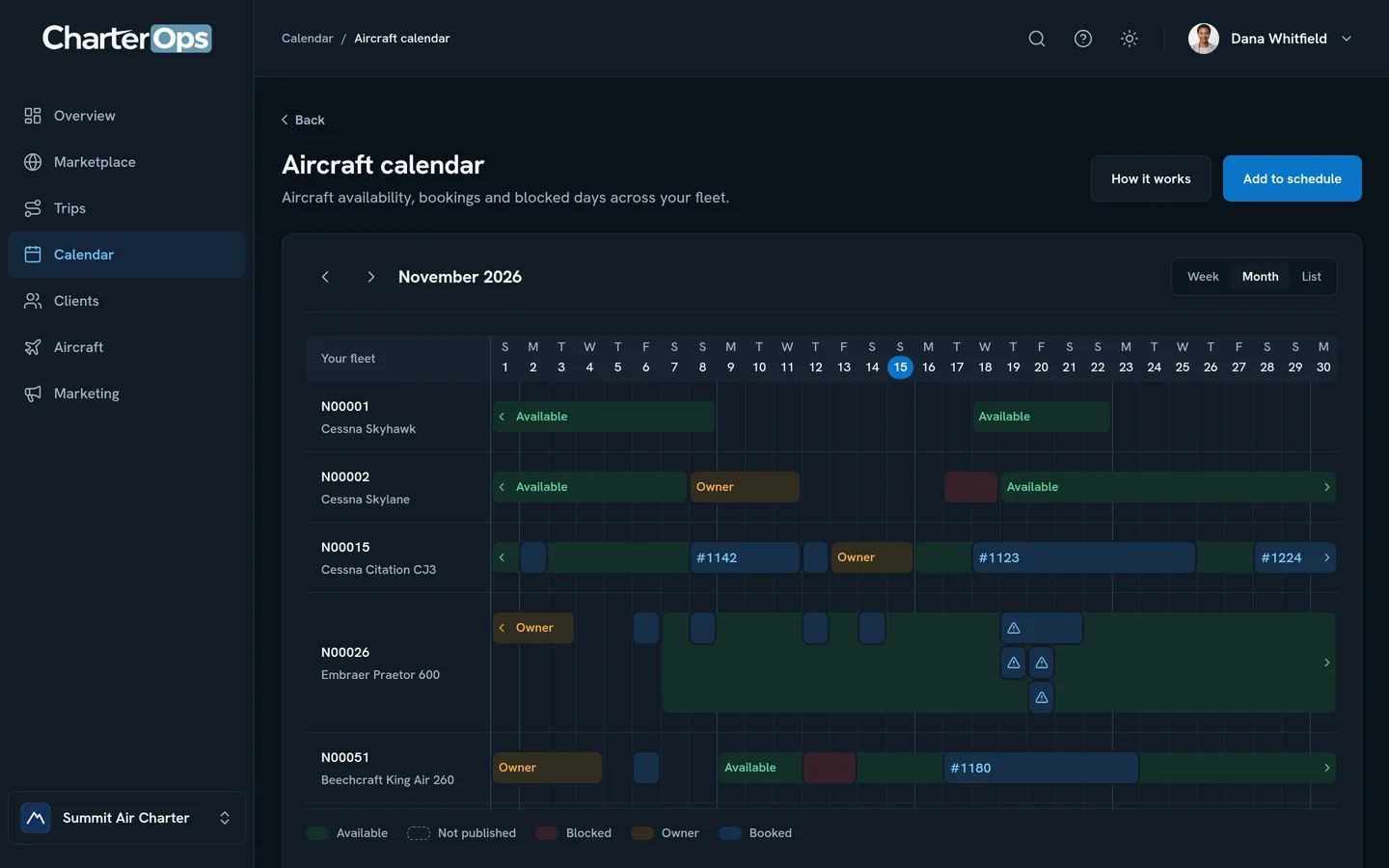
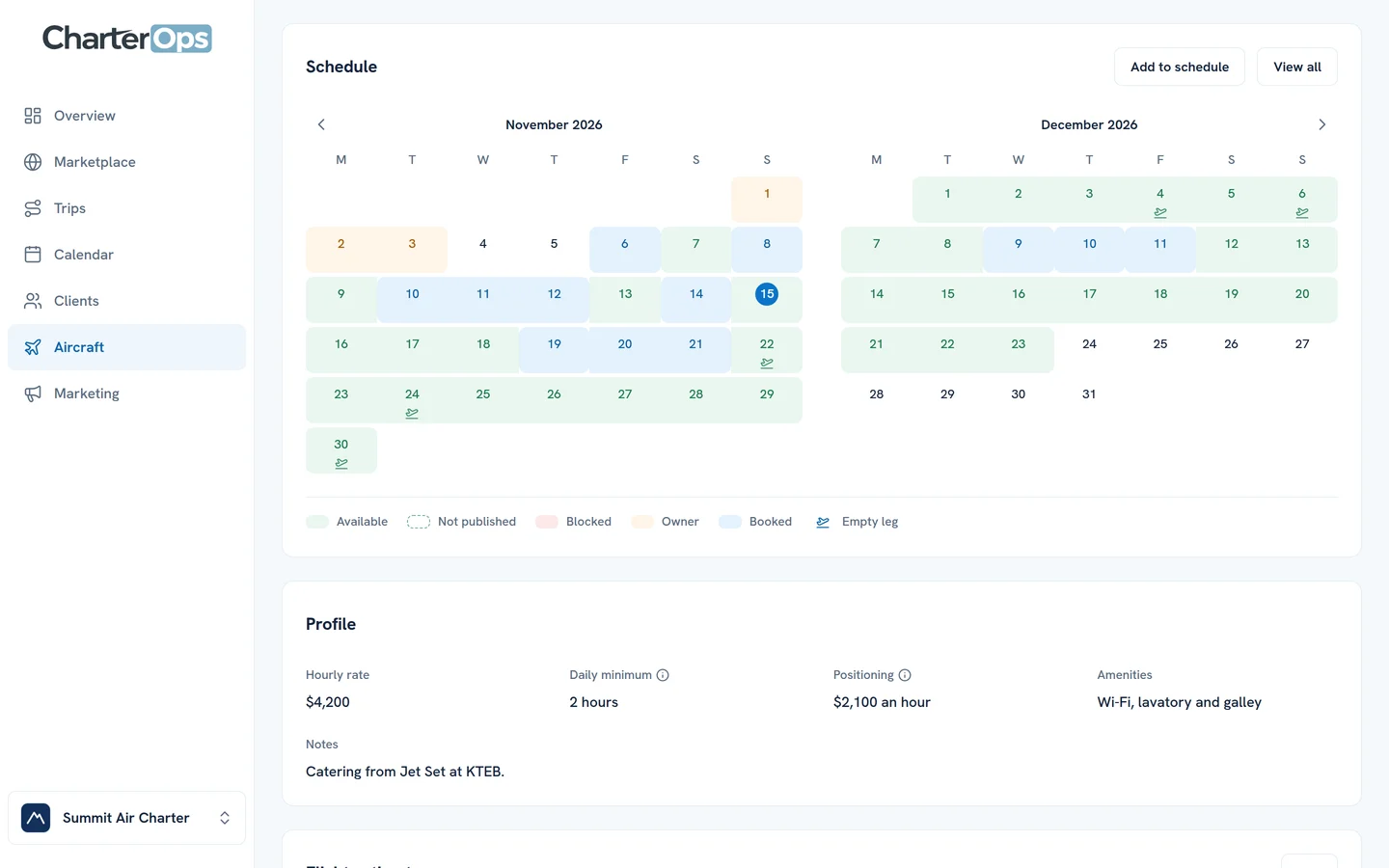
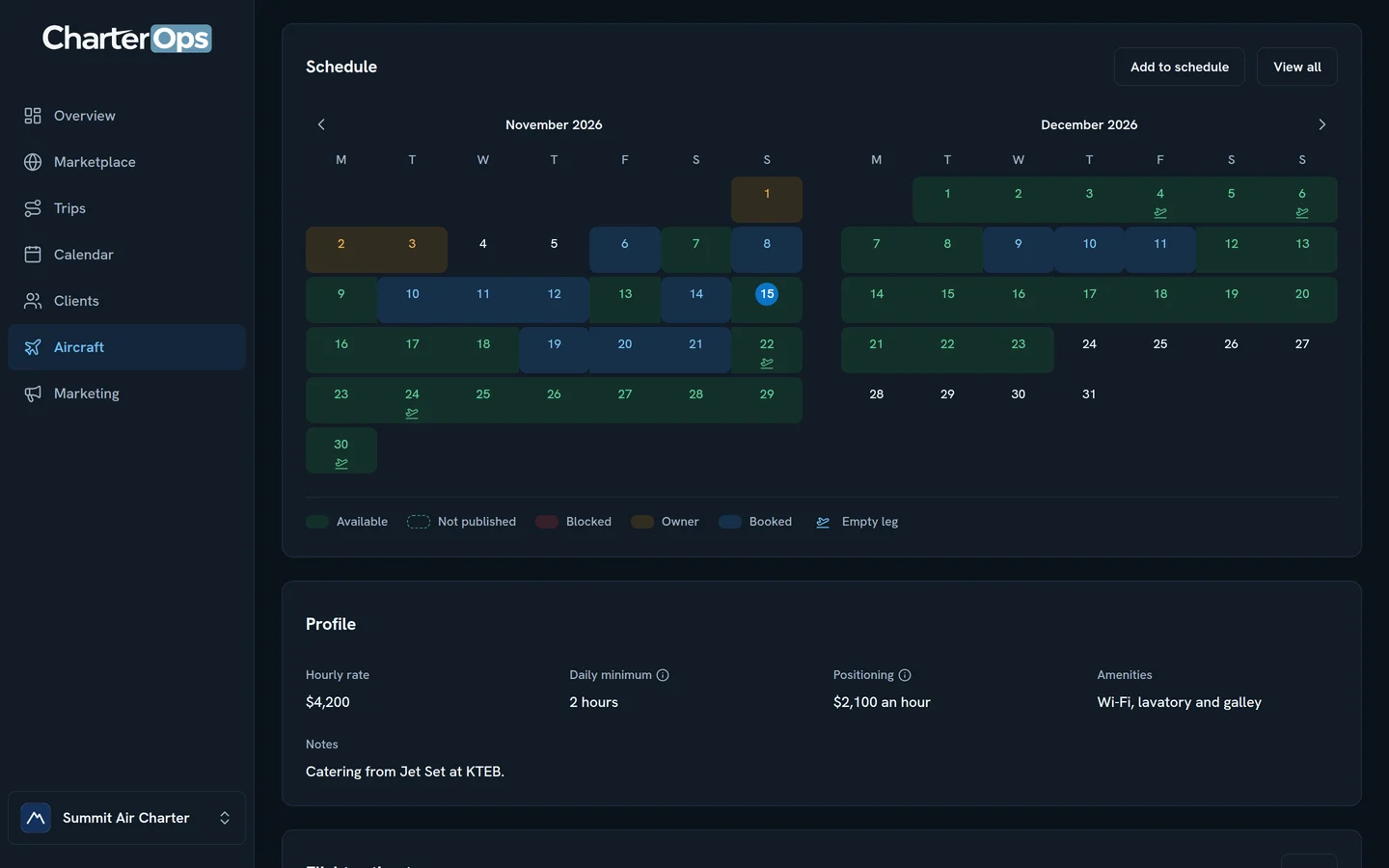
Every aircraft’s available, booked and owner days, one row for each tail.
Know who flies
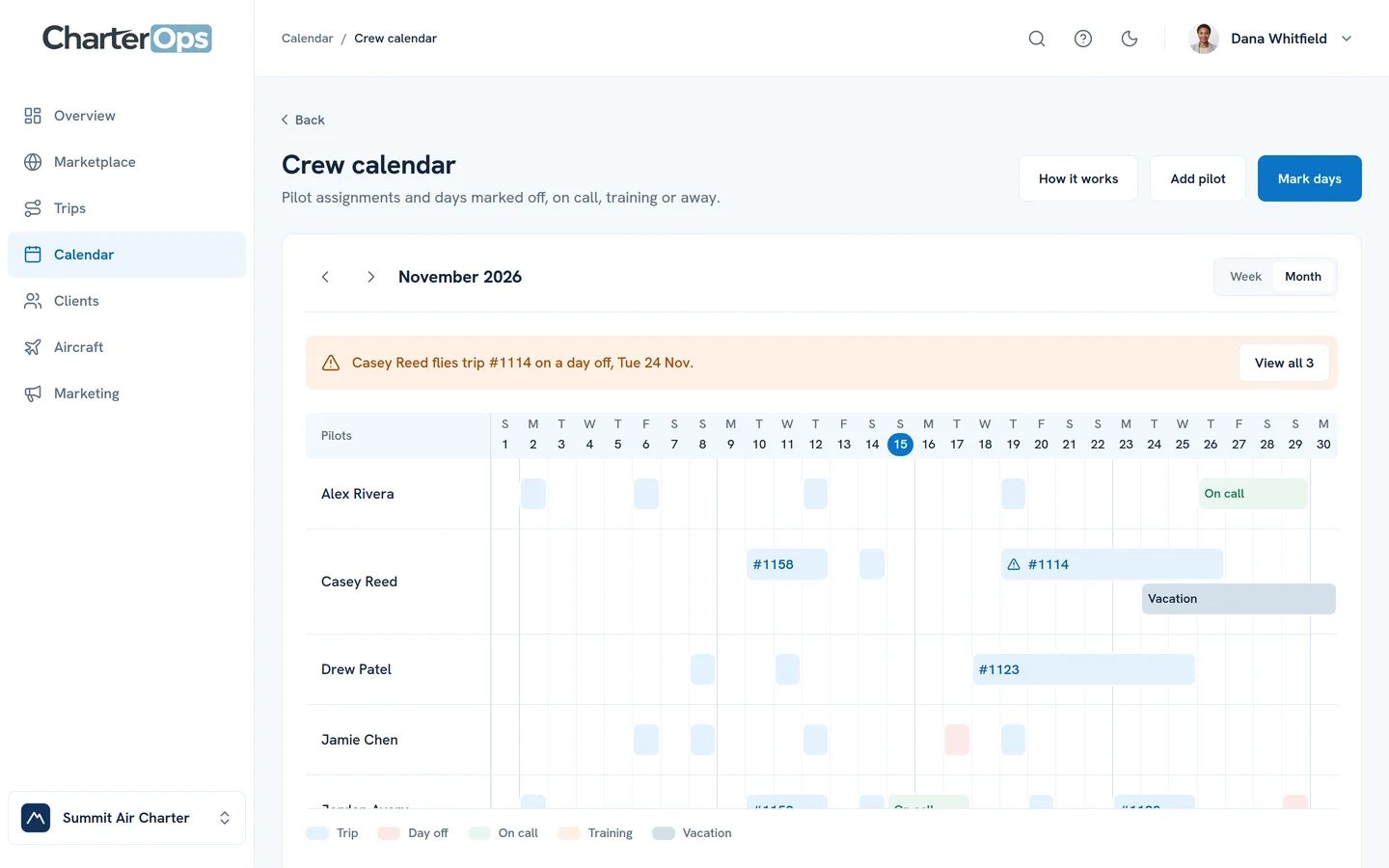
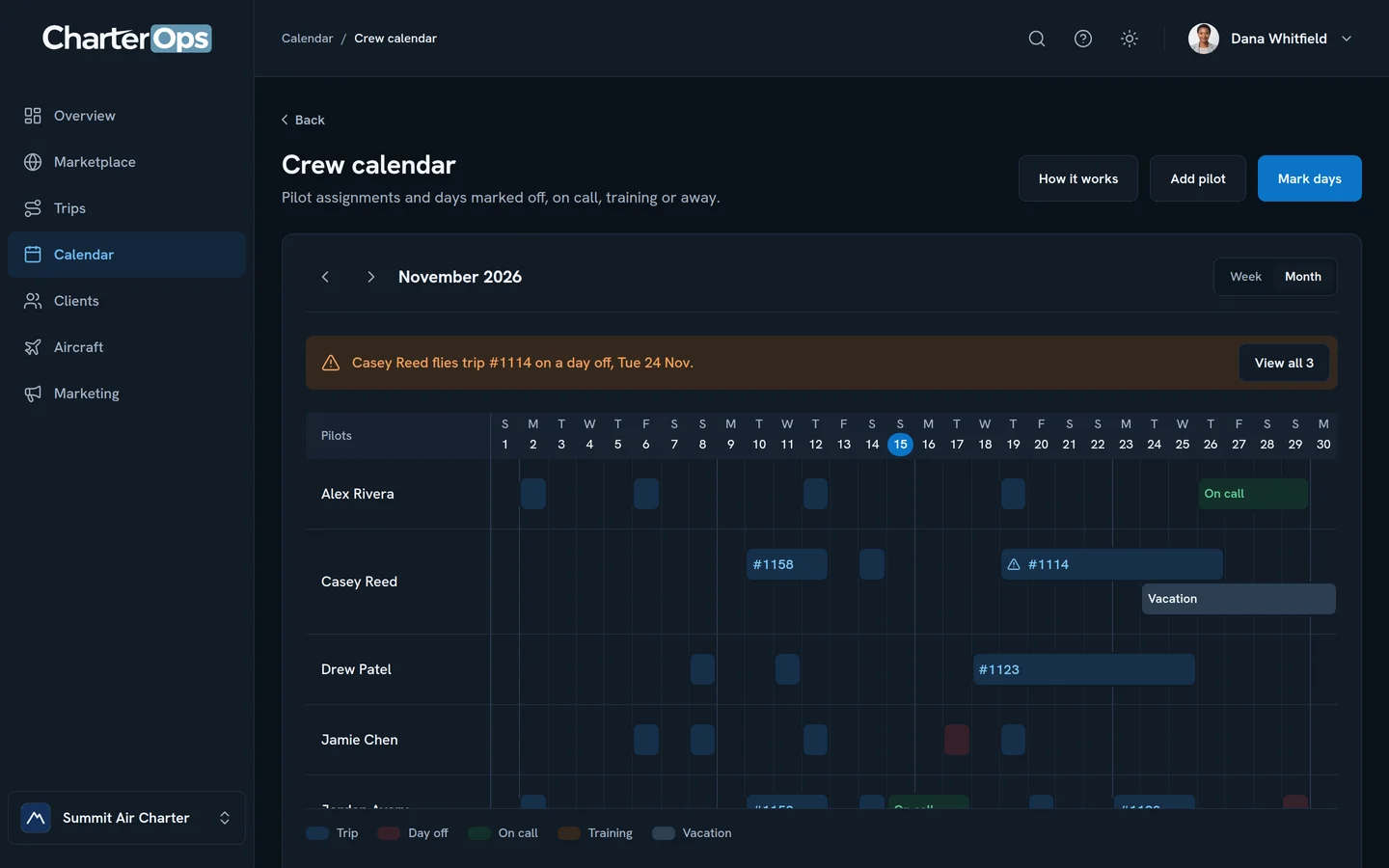
Each pilot’s trips, days off and training in one month, with clashes called out.
What your clients get.
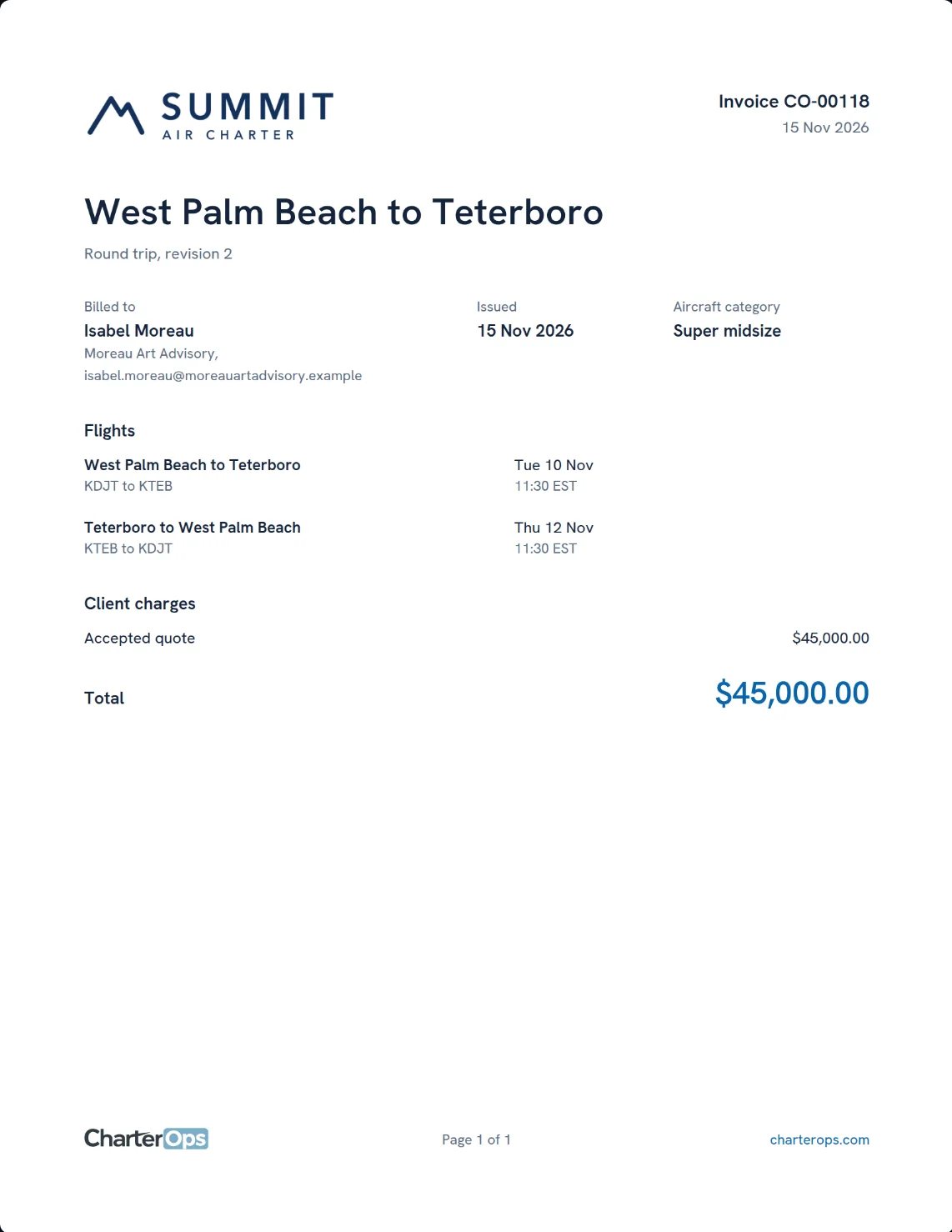
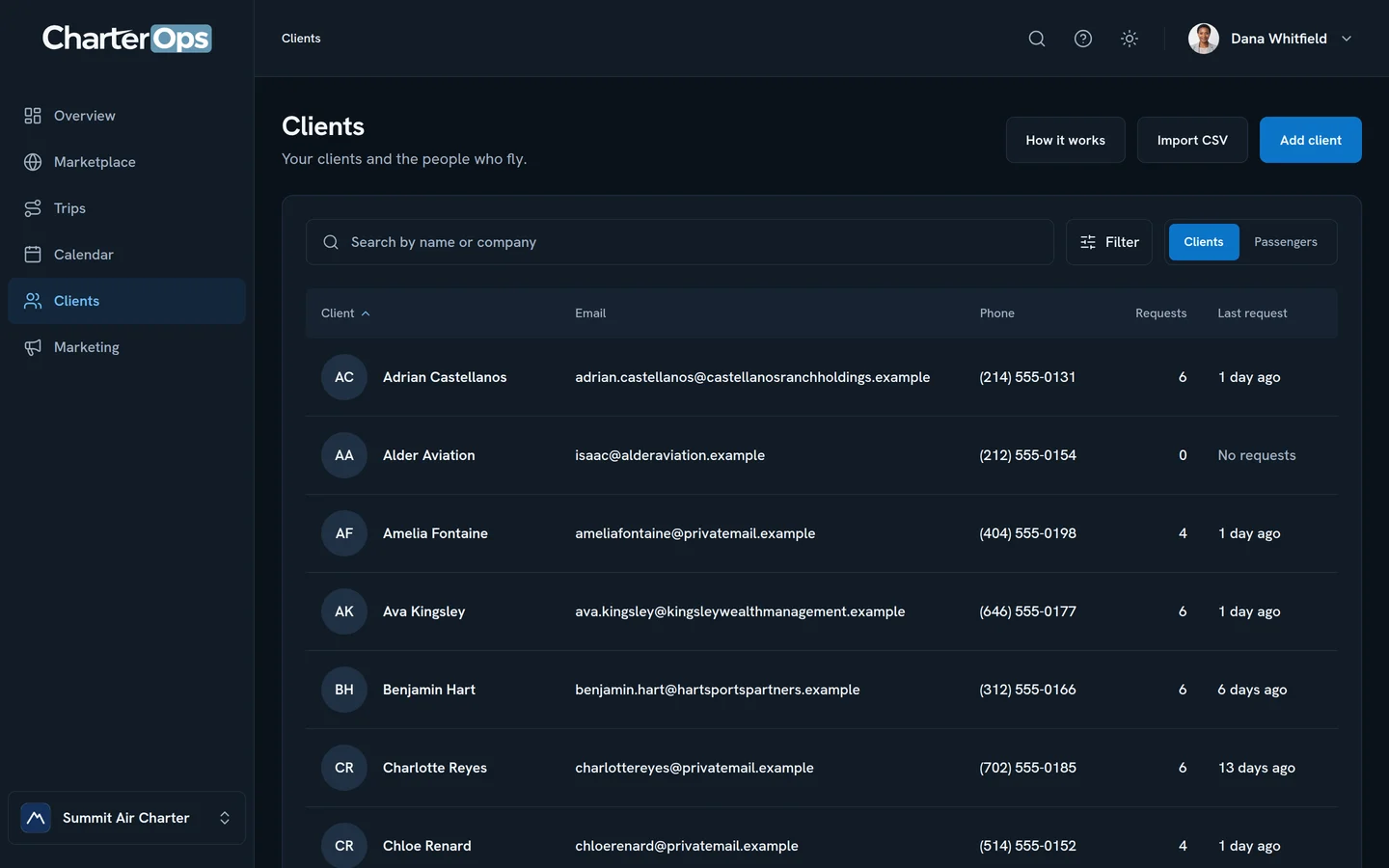
Clean documents under your own logo, sent as a PDF and a link they can open anywhere.
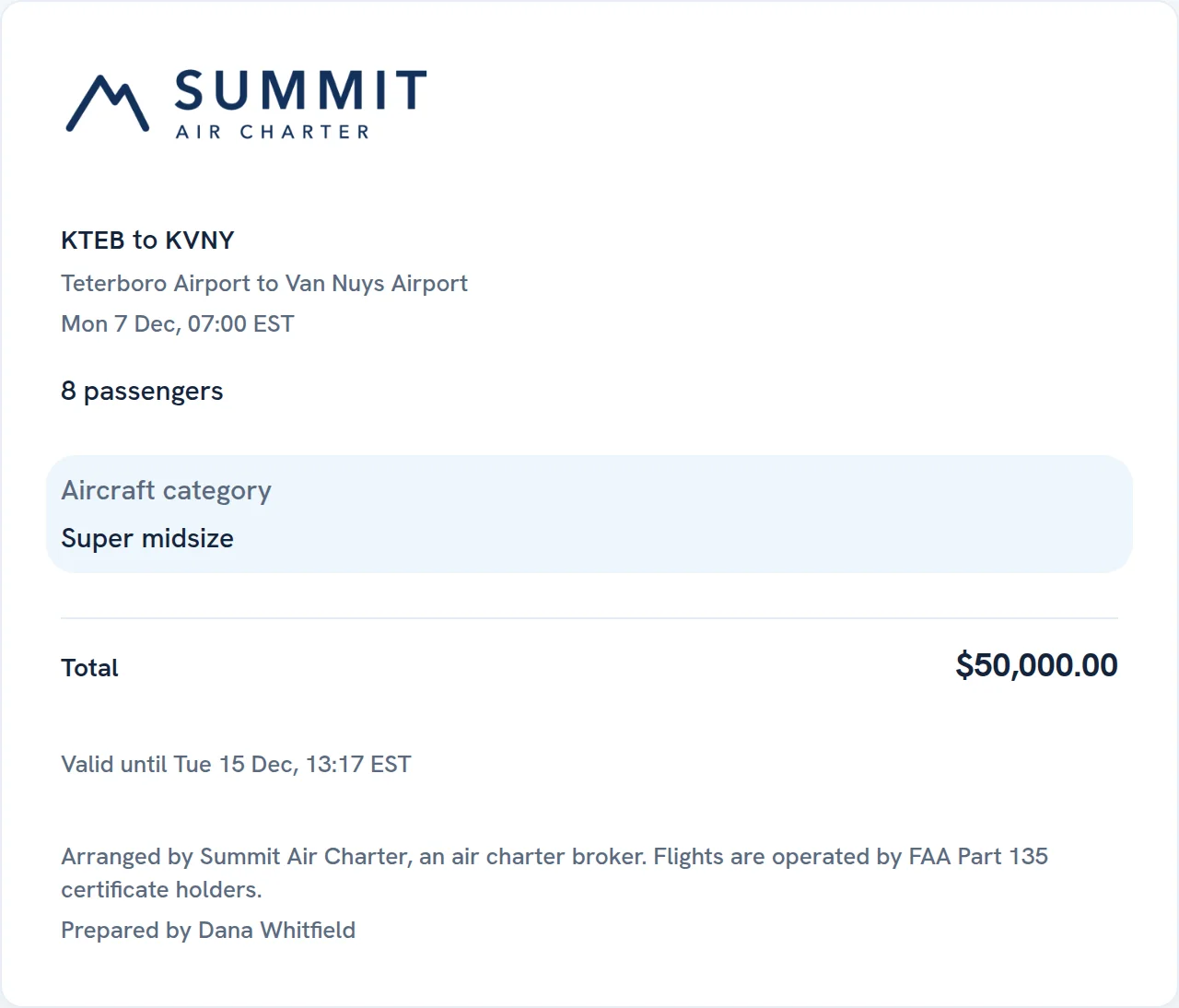
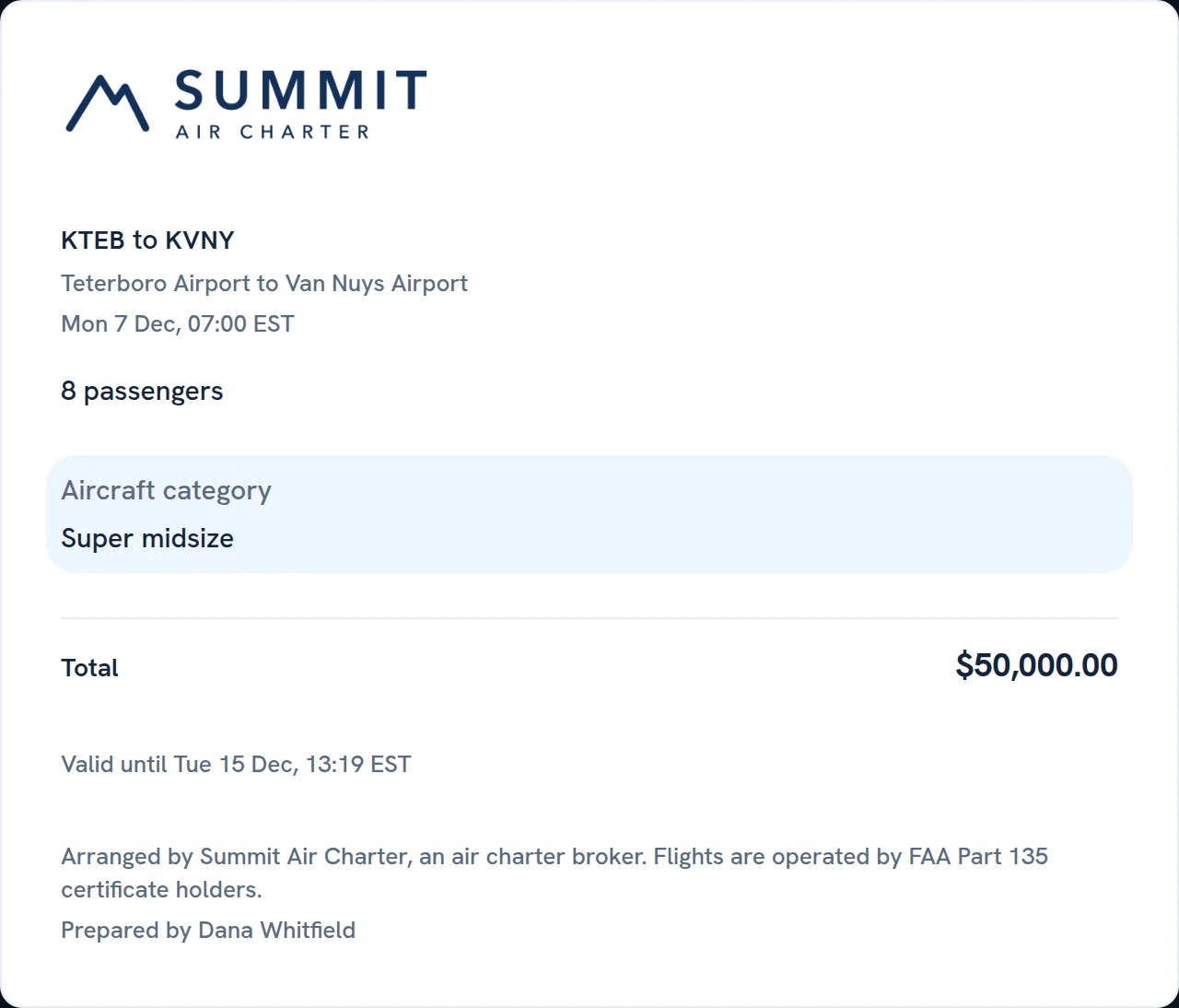
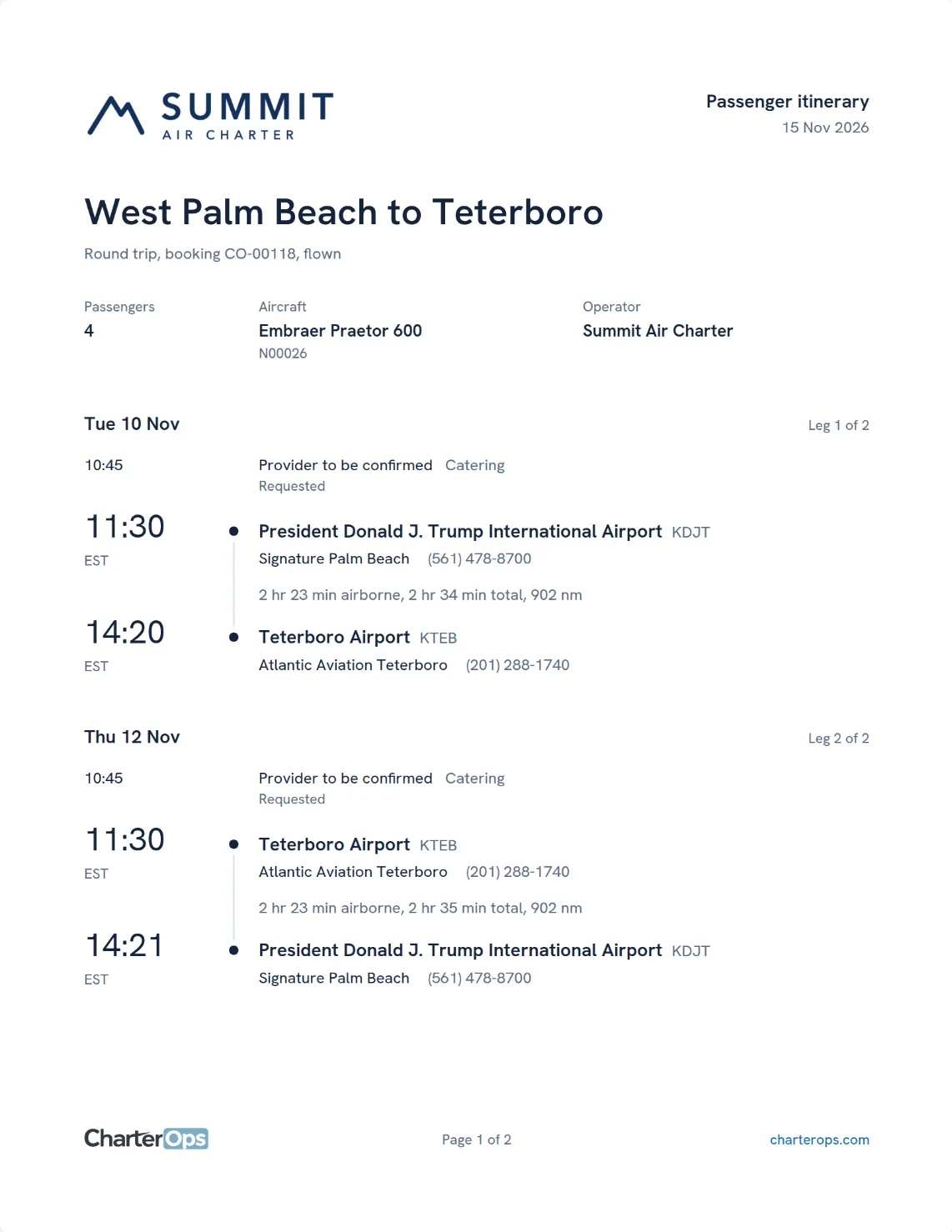
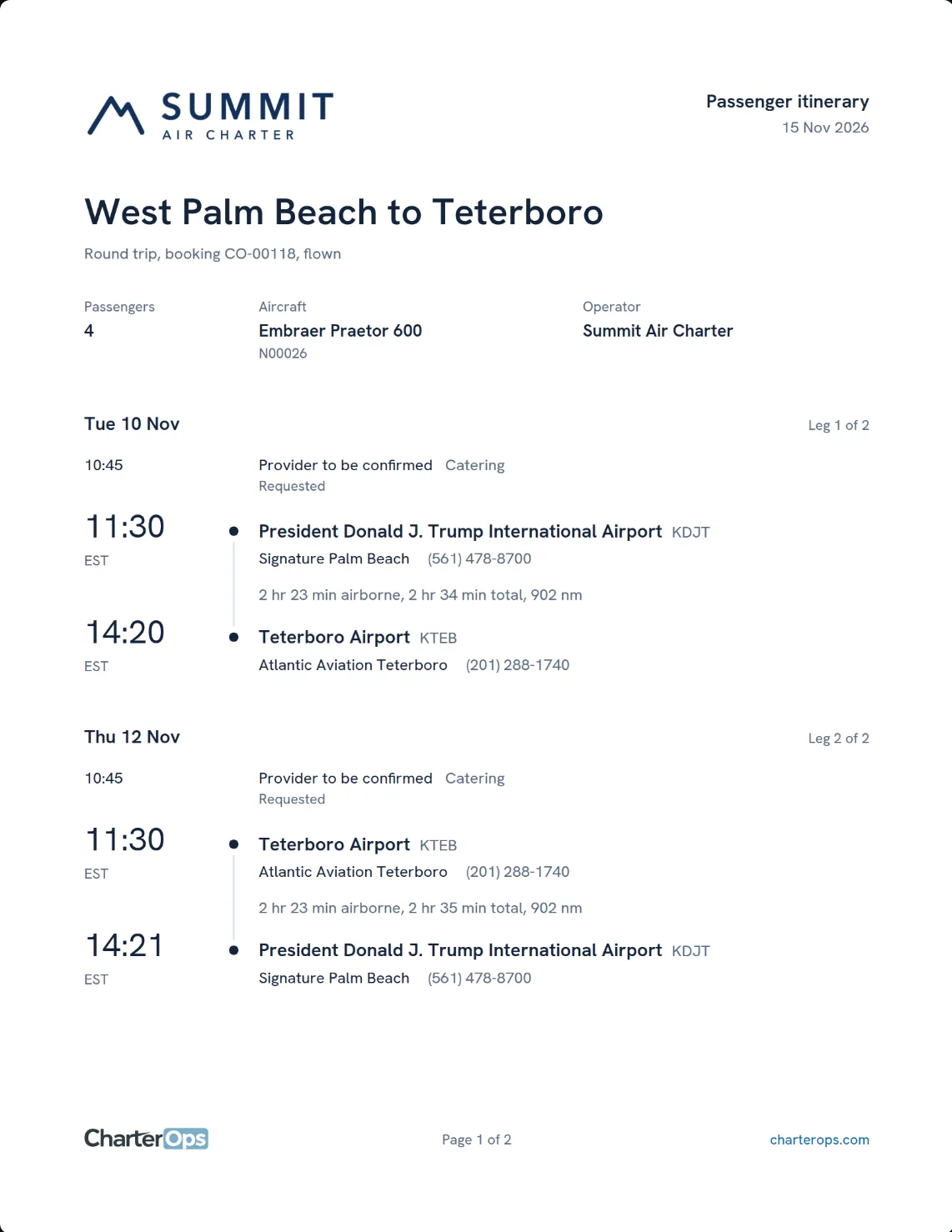
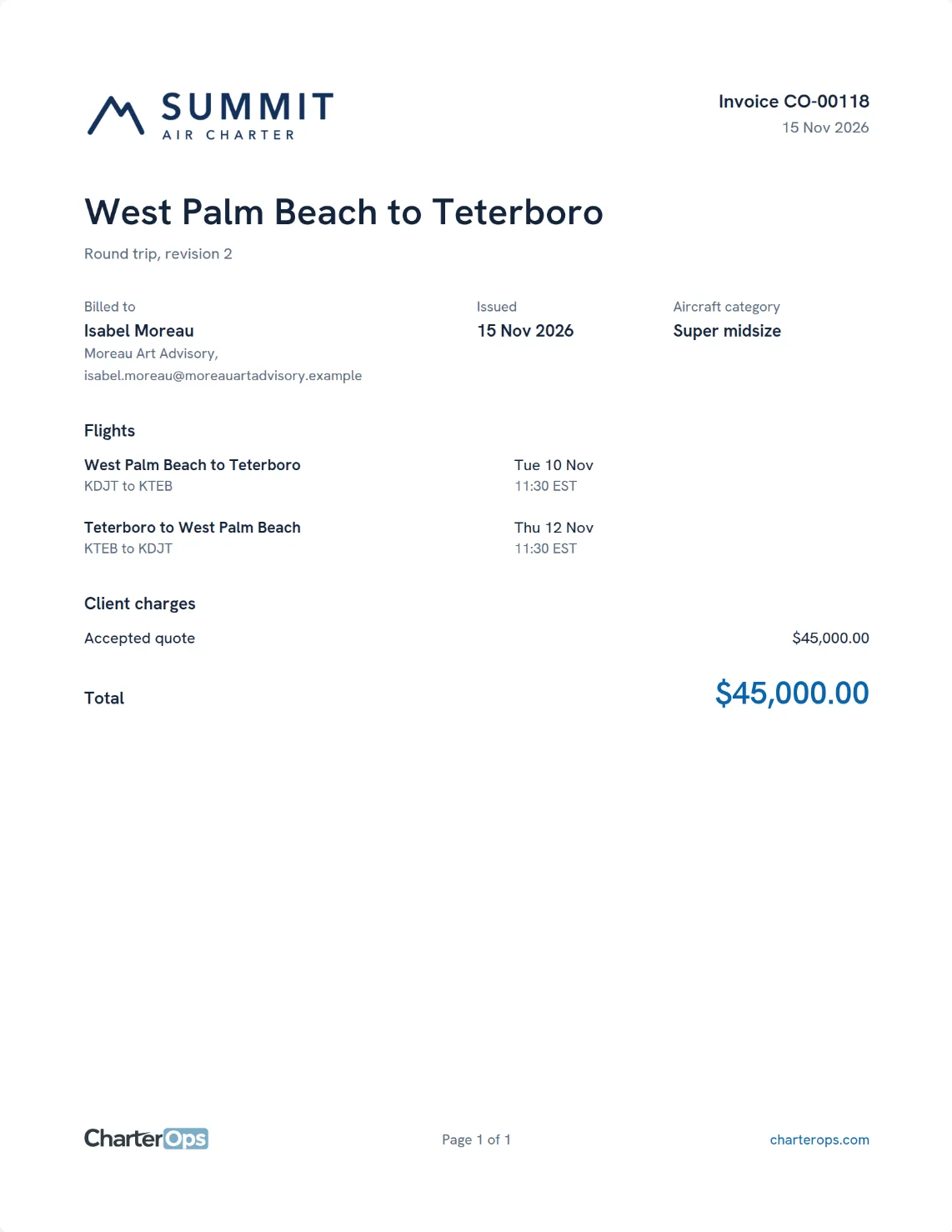
The estimate
The jet size and price, for your client to approve online.
The itinerary
Every flight, FBO and passenger on one page.
The final invoice
What the trip cost and what is left to pay.
Built for your side of charter.
Choose your business to see the screens you would use every day, or the API behind them.
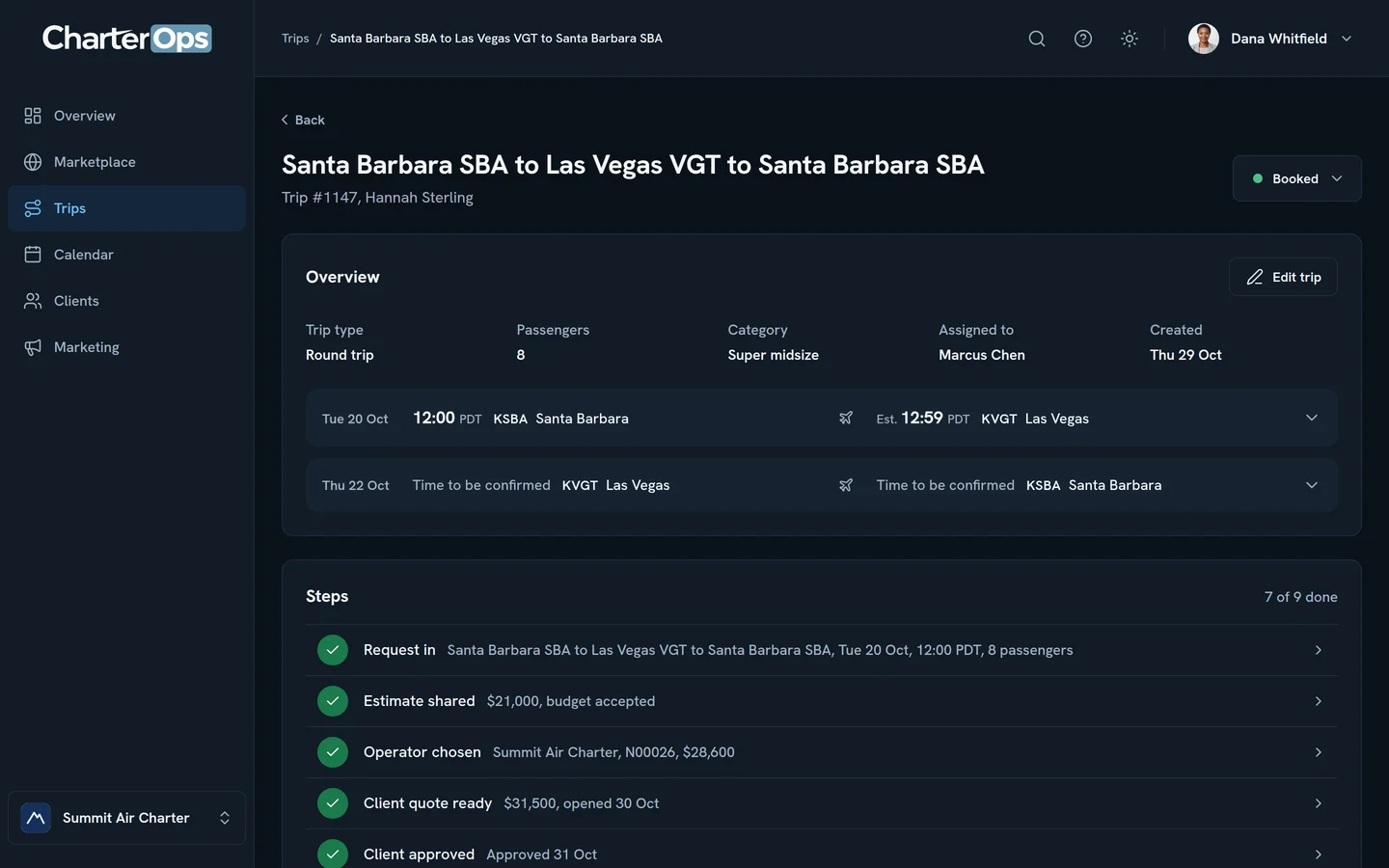
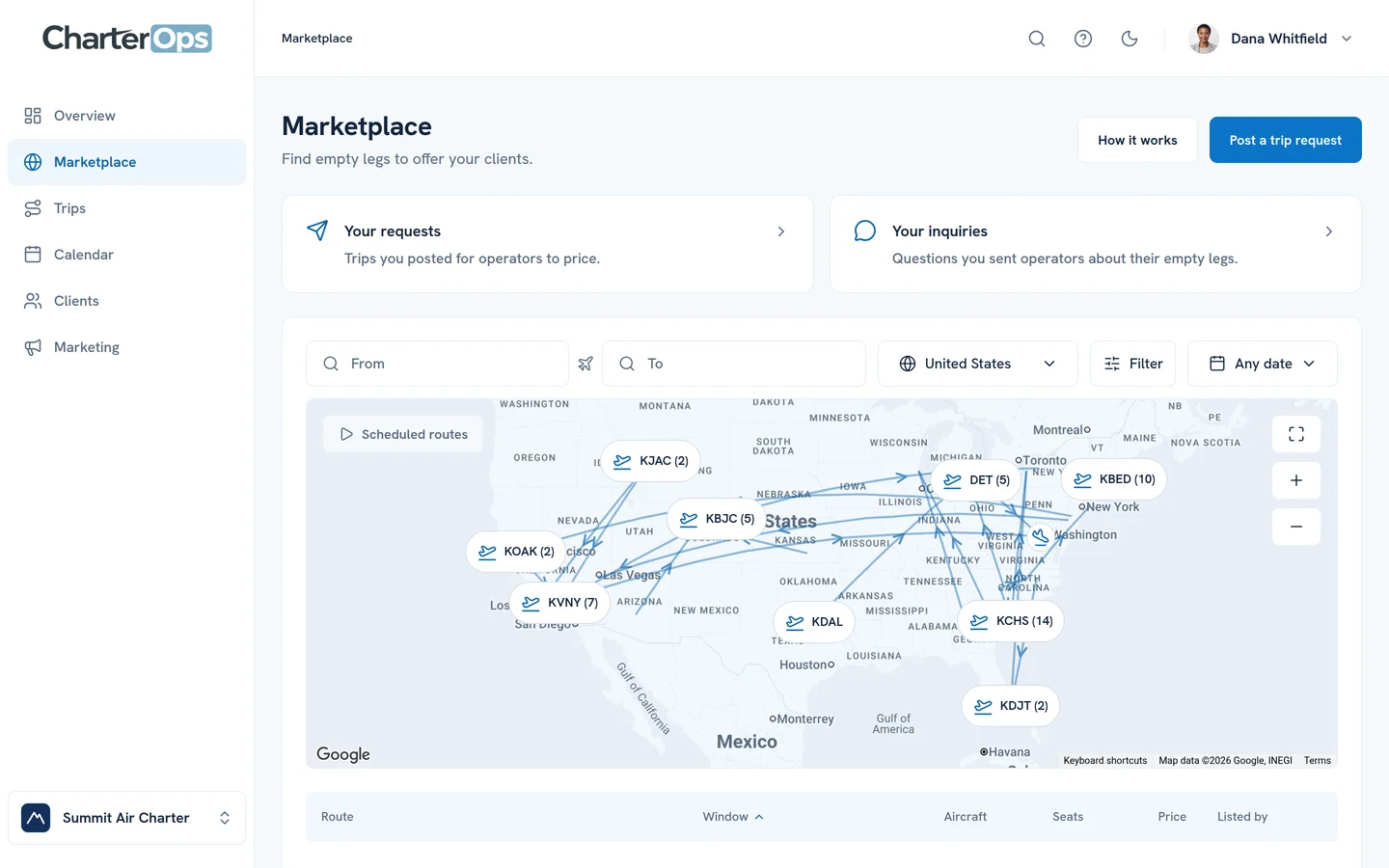
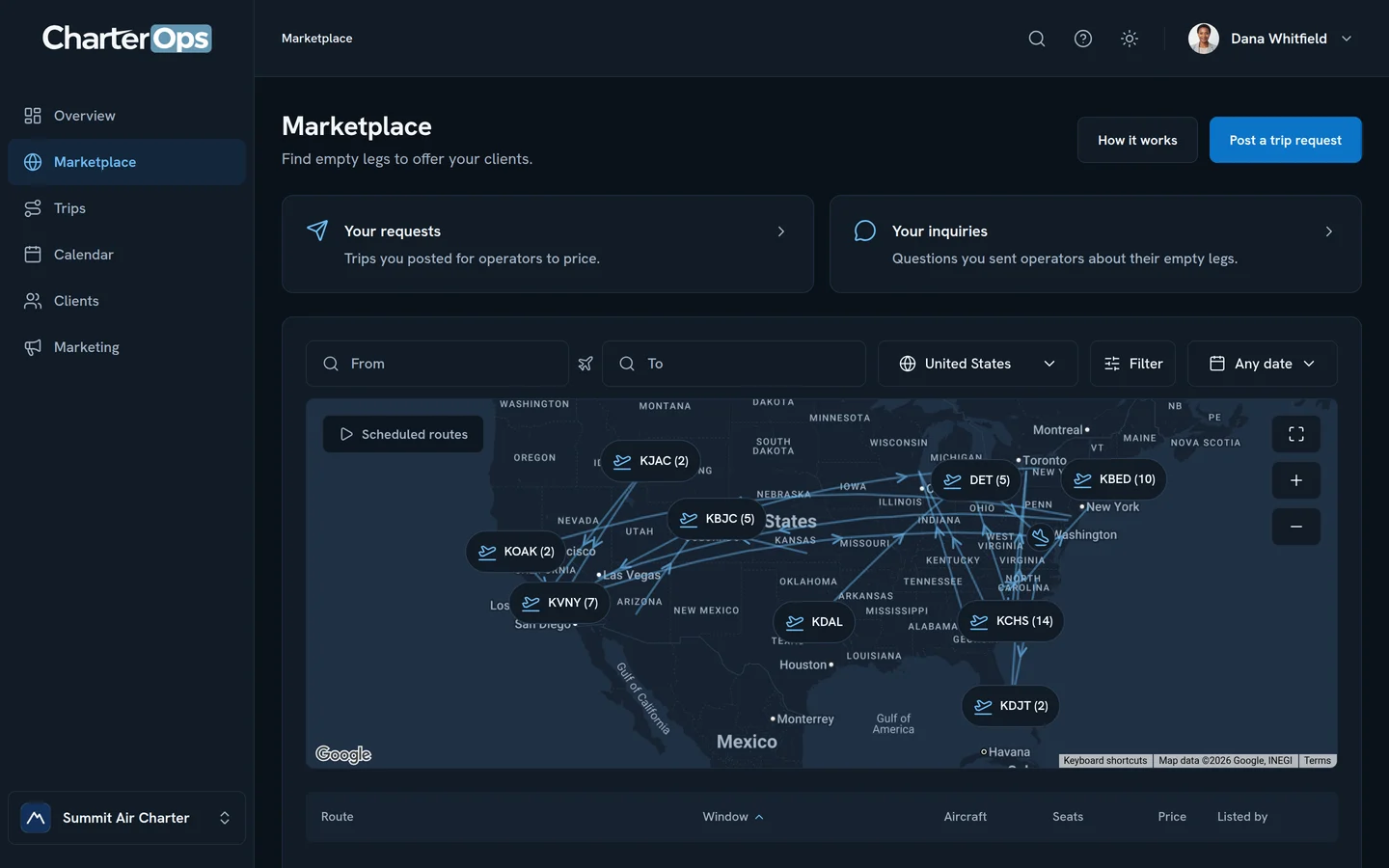
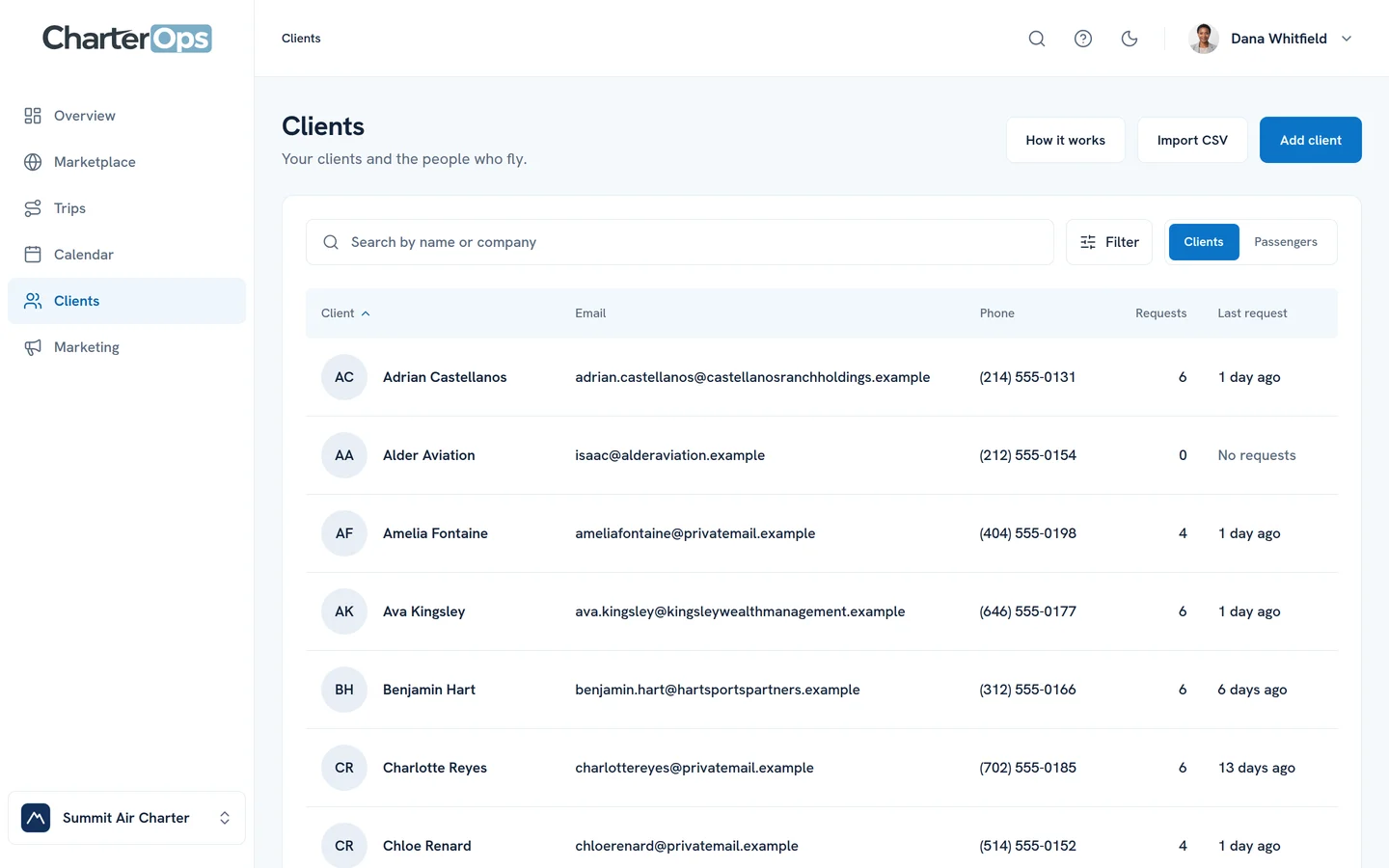
The same data, in your own software.
Aircraft, operators, airports, trips and the Marketplace at api.charterops.com. API access is arranged with each company: ask us and we’ll set it up with you.
curl --get https://api.charterops.com/v1/aircraft \
  -d category=super_midsize \
-H "Authorization: Bearer $CHARTEROPS_API_KEY"Response200
{
  "registration": "N00024",
  "model_name": "Citation Longitude",
  "year": 2025,
  "seats": 8
}
Aviation data, at a glance.
Aircraft, operators, airports and the flights behind every estimate. All in one place.
Focus this section to keep all datasets visible without motion.

1,802
Operators
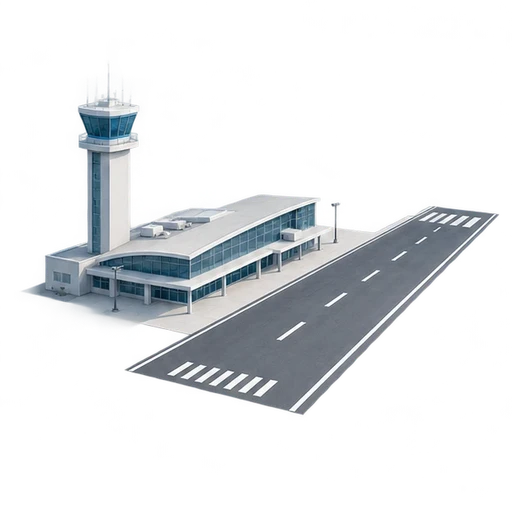
23,465
Airports

111
Aircraft types
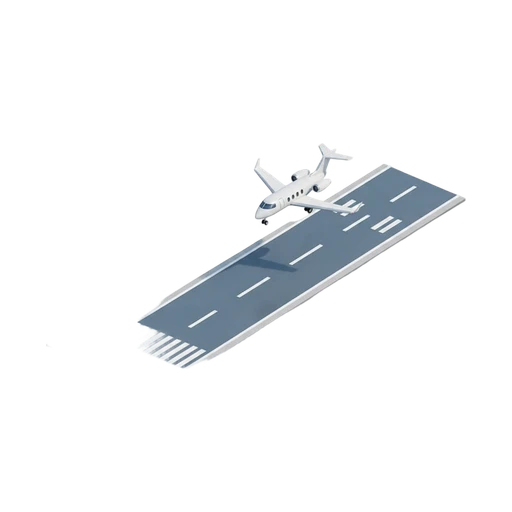
25,000+
Runways

230+
Countries
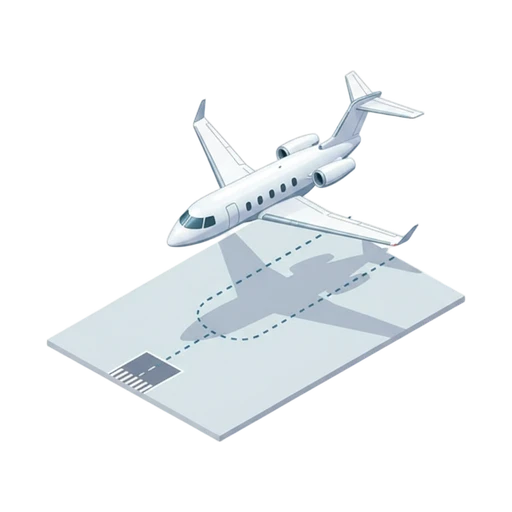
600,000+
Flights measured
Built for how you work.
Choose the plan that fits your business.
Part 91 personal
For an owner flying their own aircraft.
$199/ month
1 aircraft, 3 pilots and 1 seat
- Your aircraft on a private schedule
- Trips, passengers and itineraries
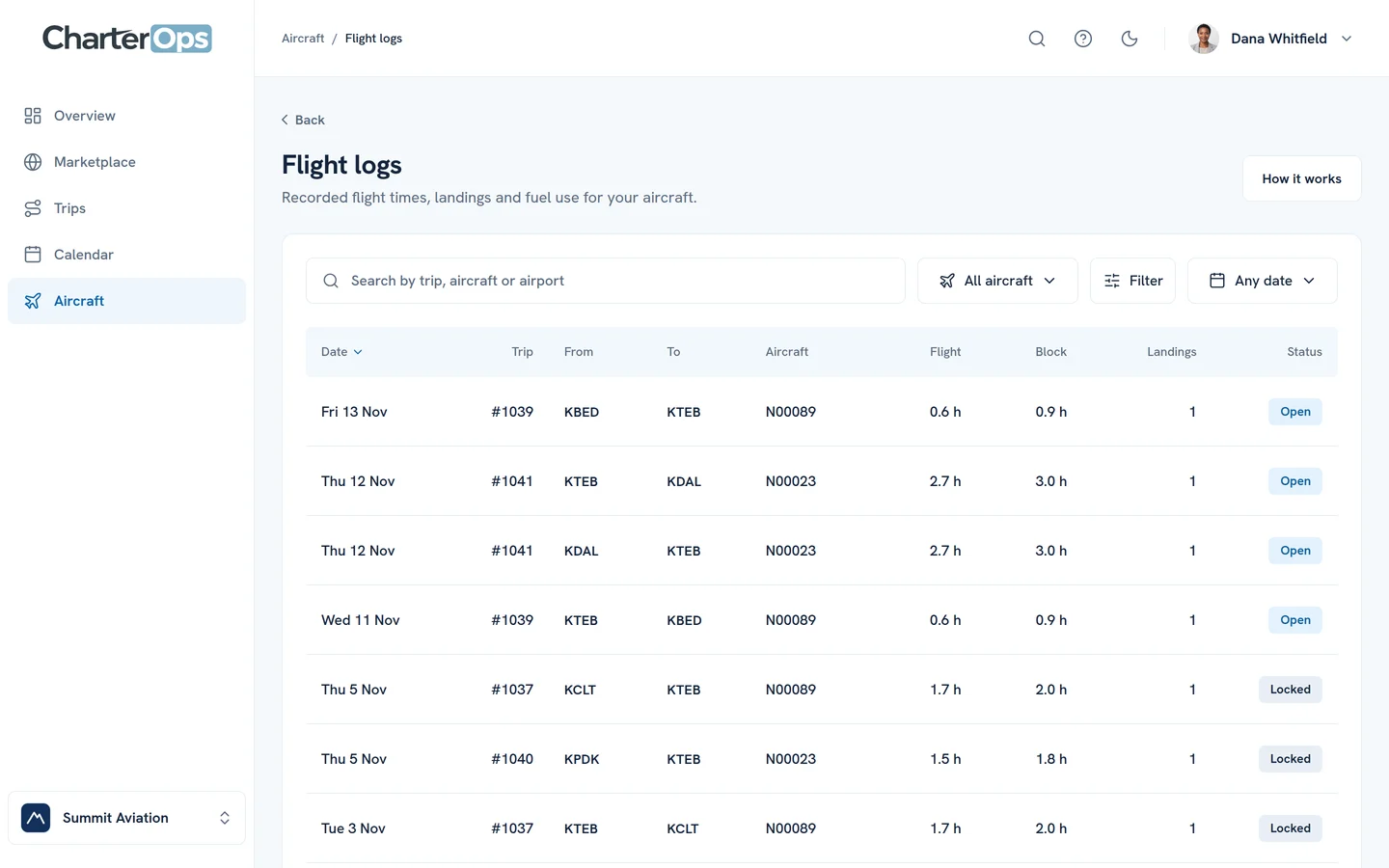
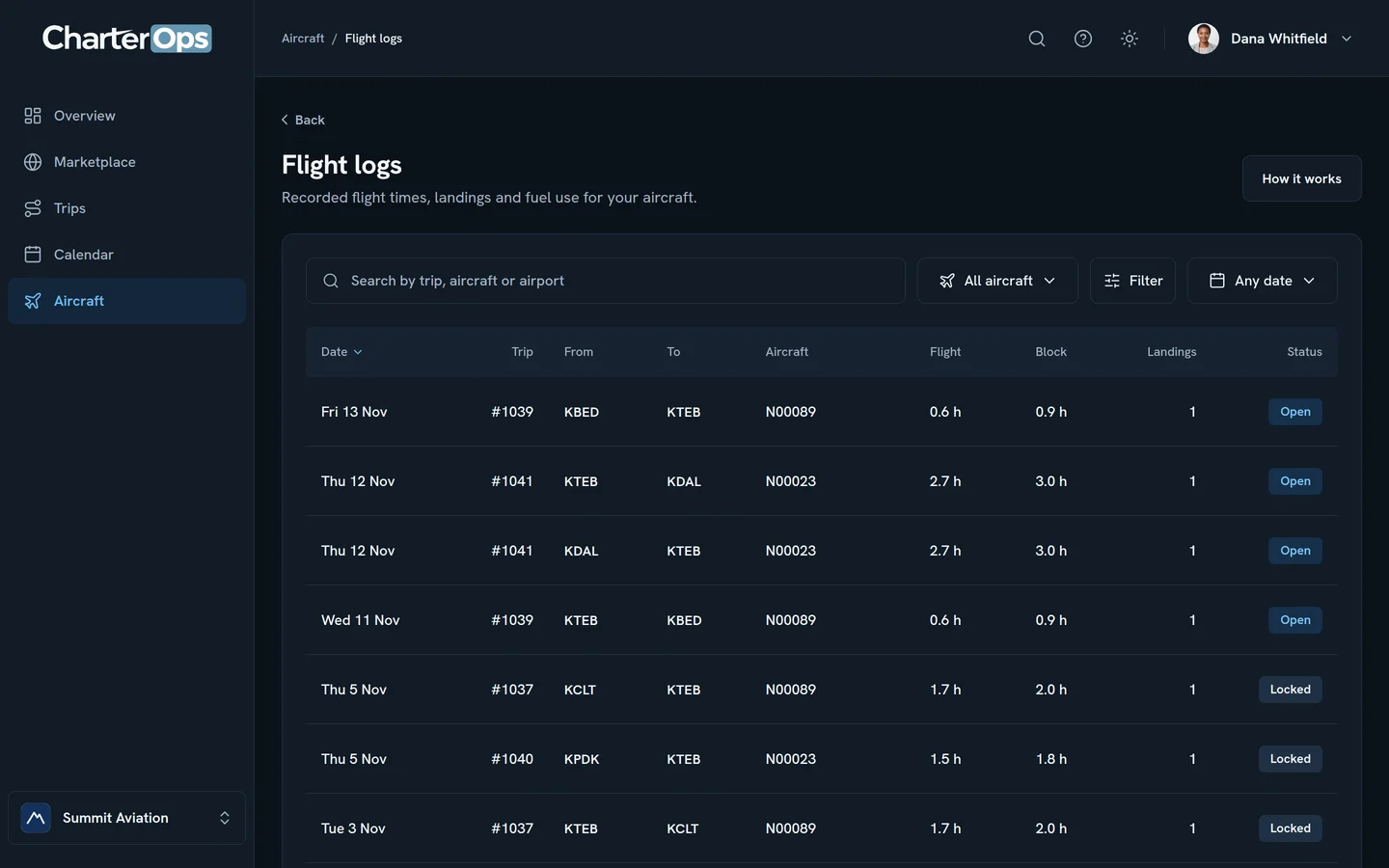
- Flight logs and expenses
- Book empty legs and estimate any route
Part 91 business
For a company’s own flight department.
$499/ month
3 aircraft, 6 pilots and 1 seat
- One calendar for every aircraft
- A crew calendar with days off and training
- Trips, itineraries and flight logs
- Live positions for your fleet
Broker
For brokers who quote and book charter.
$499/ month
1 seat
- Ask operators and compare their offers
- Quotes, itineraries and invoices under your logo
- A free portal for your clients
- Empty legs and email campaigns
Part 135
For operators who fly and sell charter.
$499/ month
3 aircraft, 6 pilots and 1 seat
- Make offers on trips brokers post
- Quotes, trip sheets and invoices
- Aircraft and crew calendars
- Post and email your empty legs
Before you
come aboard.
A little more about where we’re headed.
Who is CharterOps built for?
Charter brokers, Part 135 operators, and Part 91 flight departments and owners. One workspace from the first request to the paid invoice.
Do my clients pay for the portal?
No. You invite them, and they see their trips, approve quotes, and add passenger details without a seat or a plan of their own.
Can we use the API?
Yes. API access is arranged with each company rather than switched on at checkout, so ask us and we’ll set it up with you.
What data is available today?
Aircraft, operators, and airports come from public records. The dashboard activity shown here uses sample records.
Can I add seats?
Each additional seat costs $250 a month. Clients you invite to your client portal never take a seat. Manage your team and capacity in Settings.
Which aircraft are charged?
Part 91 personal includes 1 aircraft and 3 pilots; Part 91 business and Part 135 include 3 aircraft and 6 pilots. Each extra aircraft costs $100 a month and each extra pilot $50. Registry searches, reference imports and receiving quotes never create a charge. Four aircraft cost $599 a month on Part 135; one extra seat brings that to $849.
When can we get started?
CharterOps is coming soon. Availability will be confirmed at launch, and there is nothing to purchase or sign up for yet.